

 Veselin Stoyanov11 min read
How to Choose the Best AI Plugin for WordPress SEO
Learn how to choose the best AI plugin for WordPress SEO. Compare content generation, scheduling, formatting, publishing, and workflow automation.
AI has made it easier to create WordPress content, but choosing the right tool is more complicated than finding a plugin that can generate text. The best AI plugin for WordPress SEO should support the complete publishing workflow: choosing topics, creating useful articles, preparing metadata, formatting content, and publishing consistently.
Some tools focus on writing inside the WordPress editor. Others add SEO analysis, metadata generation, images, or automated publishing. There are also content platforms that work outside WordPress and deliver finished articles through an integration.
The right choice depends on what you are trying to automate. If you only need writing assistance, a lightweight editor-based tool may be enough. If you want a repeatable SEO content system, you should evaluate the workflow around the writing—not just the writing feature.
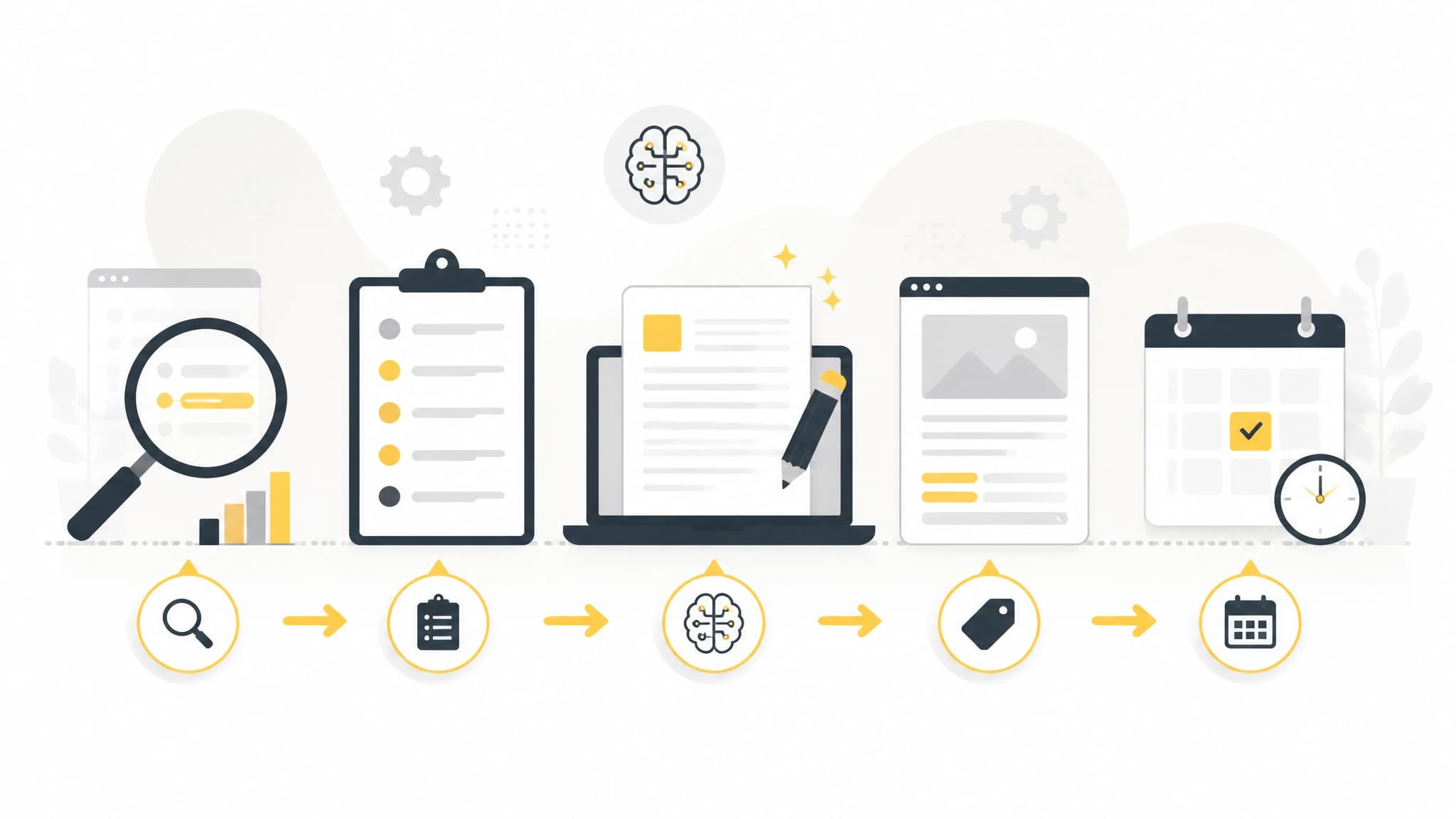
The most useful AI tools support the workflow around article generation.
What makes an AI plugin useful for WordPress SEO?
A useful AI SEO tool should help you produce content that is relevant to a real audience and aligned with a clear search intent. Generating paragraphs is only one part of that process.
Before comparing products, define the job you want the tool to perform. Typical requirements include:
- Finding or organizing target keywords
- Planning topics around a broader content strategy
- Creating article outlines and drafts
- Generating SEO titles and meta descriptions
- Formatting content for the WordPress editor
- Creating or preparing article images
- Saving content as drafts or publishing it automatically
- Scheduling content for a consistent publishing cadence
- Connecting securely to one or more WordPress sites
The more of these steps you want to automate, the less useful a simple AI writing assistant becomes on its own.
The key features to compare
1. Article generation and editorial control
A WordPress AI article writer should do more than turn a title into generic text. Look for controls that let you define the target audience, tone, structure, instructions, and primary topic.
You should also be able to review the output before it goes live. AI-generated content can contain inaccurate details, weak examples, repetitive phrasing, or claims that do not fit your business. A good workflow keeps human review possible, even when much of the production process is automated.
Ask these questions before choosing a tool:
- Can I provide detailed instructions for the article?
- Can I control the intended audience and writing style?
- Can I review or edit content before publishing?
- Does the tool support different content formats?
- Can I reuse a consistent process across multiple articles?
The best system reduces repetitive work without removing editorial judgment.
2. SEO planning, not just keyword insertion
AI content is more useful when it begins with a meaningful topic plan. A tool should help you connect individual keywords to pages that serve distinct search intents.
For example, a WordPress site selling accounting software might create separate content for:
- Informational searches about bookkeeping basics
- Problem-aware searches about reducing manual reconciliation
- Comparison searches for accounting tools
- Product-focused searches about specific software features
Simply repeating a keyword throughout an article does not create topical relevance. Evaluate whether the tool helps you organize subjects, avoid overlapping articles, and build a coherent publishing roadmap.
Keyword targeting should guide the article, not replace research or expertise.
3. Metadata and on-page formatting
A draft can be well written and still require substantial WordPress work before publication. Check whether the tool prepares practical publishing elements such as:
- SEO title
- Meta description
- Headings
- Lists and tables where appropriate
- Image alt text
- Featured image or inline image details
- Categories and tags, if supported by the workflow
Formatting matters because it affects both readability and publishing speed. If every generated article requires manual cleanup, the time savings may be smaller than expected.
You should also check how the tool handles links, headings, HTML, Markdown, and any SEO plugin fields your team already uses. Clean output is especially important for sites with strict templates or custom editorial standards.
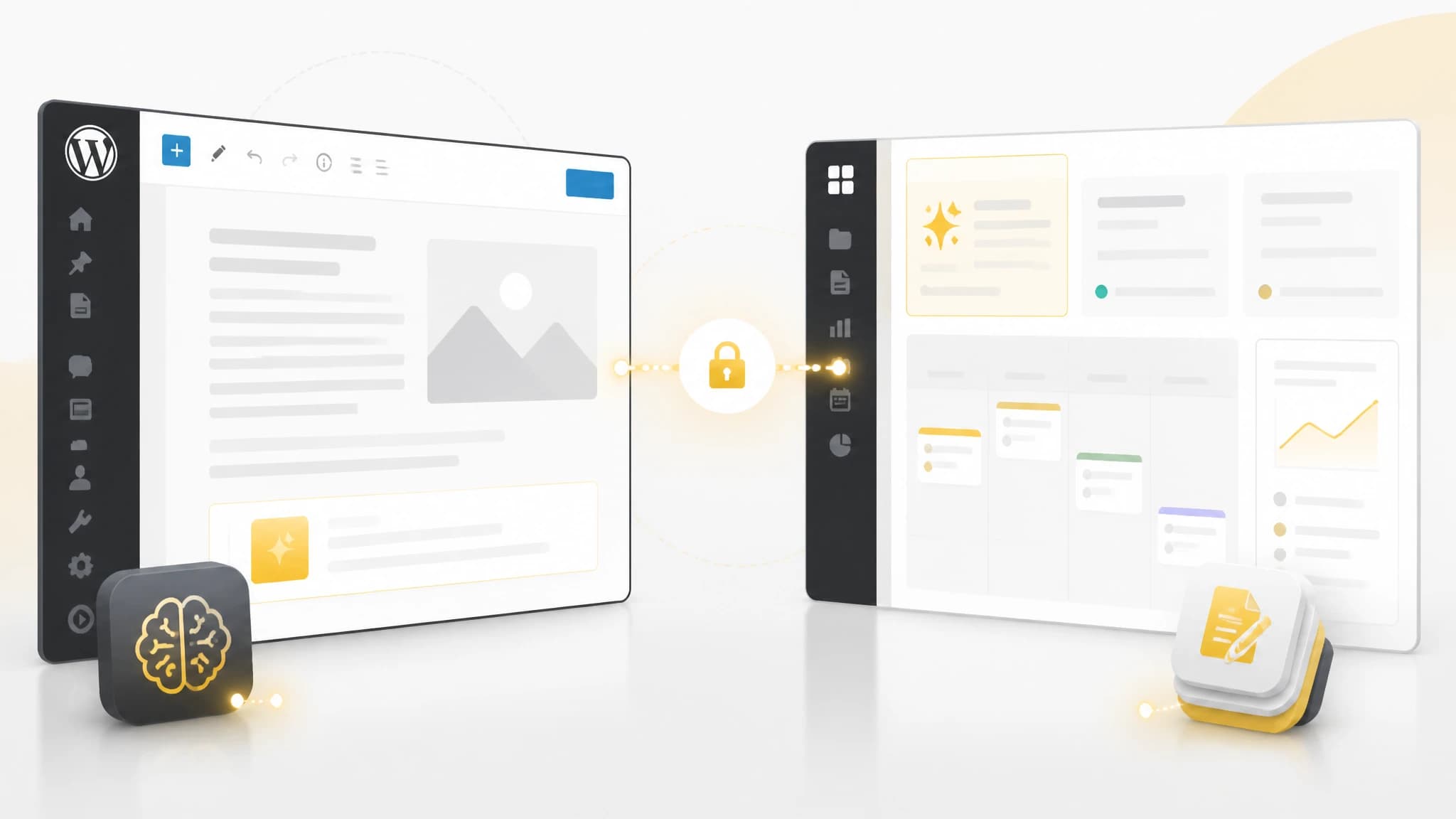
Your hosting, security rules, and publishing process should influence the architecture you choose.
4. Scheduling and publishing automation
Many tools can generate an article. Fewer are designed around a reliable publishing schedule.
If your goal is consistent WordPress AI content, compare how each product handles scheduling. Useful questions include:
- Can articles be assigned to future publishing dates?
- Can I control how often content is published?
- Does the tool support drafts as well as automatic publication?
- Can I manage multiple websites or projects?
- Is there a visible content calendar or delivery status?
- What happens if a connection fails?
Scheduling should be predictable. A tool that generates content but leaves you to manually copy, format, upload, and schedule every article may not solve the operational problem you actually have.
5. Integration architecture and security
A plugin that runs inside WordPress is convenient, but it is not always the best architecture for every site. Adding more functionality to the WordPress installation can increase administrative complexity, especially when the site already has many plugins or strict security requirements.
Consider how the connection works:
- Does the tool require the WordPress site to accept inbound requests?
- Can it work with a private or restricted site?
- Are credentials separated by project or website?
- Can access be revoked without rebuilding the workflow?
- Are delivery events authenticated or signed?
- Can you see connection status and diagnostics?
These details matter for businesses managing several sites, agencies working across client installations, and owners who want to keep content generation separate from their production website.
Plugin versus external content platform
There are two common approaches to WordPress AI content.
Use an in-WordPress AI plugin when:
- You want to write or edit directly inside the WordPress editor
- Your team prefers a single dashboard
- You need occasional AI assistance rather than a publishing engine
- Your process is highly manual and editorial
- You already have a stable WordPress plugin stack
This approach minimizes context switching. It can be a good fit for bloggers, editors, and site owners who want help with individual pages or articles.
Use an external content workflow when:
- You want to plan content before production begins
- You publish on a repeatable schedule
- You manage multiple websites or projects
- You want to keep generation outside the WordPress admin
- You need a publishing connection that supports different hosting environments
- You want to reduce copy-and-paste work between systems
An external workflow does not need to replace WordPress. WordPress can remain the content management system while another platform handles planning, generation, scheduling, and delivery.
How RankWorker fits into a WordPress SEO workflow
If your main problem is managing the complete content process, RankWorker is an alternative to putting every content function into a large WordPress plugin. It connects to WordPress through the official RankWorker plugin and delivers generated SEO articles into the site you already use. (rankworker.com)
The integration supports two delivery modes. In push mode, RankWorker sends signed article events directly to the plugin when the WordPress site is publicly reachable. In pull mode, the plugin fetches new articles, which is intended for private sites or installations that cannot accept inbound requests. (rankworker.com)
That distinction can be useful when selecting the best AI plugin for WordPress—or deciding that a separate publishing workflow is a better fit. You can learn more about RankWorker’s WordPress integration and evaluate whether its delivery model matches your hosting and security requirements.
The setup is designed around three steps: install the official plugin, choose push or pull delivery, and complete the connection in RankWorker. Connection status, delivery settings, secrets, API keys, and diagnostics are managed from the RankWorker dashboard. (rankworker.com)
A practical evaluation checklist
Before installing an AI plugin, score each option against your actual workflow. A simple checklist can prevent you from choosing a tool based on an impressive demo that does not solve your daily bottleneck.
Content quality
- Does it support clear audience and style instructions?
- Can you provide business-specific context?
- Does it produce useful structure rather than filler?
- Is human review easy?
SEO workflow
- Can you target a primary topic without keyword stuffing?
- Does it support titles and meta descriptions?
- Can it help organize a content plan?
- Does it handle headings and formatting cleanly?
Publishing operations
- Can you schedule content?
- Can you publish drafts or live posts?
- Does it avoid manual copying between tools?
- Can you monitor delivery status?
WordPress compatibility
- Does it fit your current theme and editor?
- Does it work with your hosting and security rules?
- Does it add unnecessary complexity to the admin area?
- Can access be managed separately for each site or project?
Cost and scale
- Is pricing based on sites, users, articles, words, or credits?
- Will the cost remain predictable as publishing volume grows?
- Can the tool support your future workflow?
- Are important features limited to a higher plan?
The best option is the one that removes the most friction from your process while preserving quality control.
Common mistakes to avoid
Choosing the tool with the longest feature list
More features do not automatically mean a better workflow. A plugin that offers writing, images, SEO scoring, and automation may still be difficult to configure or maintain. Prioritize the few capabilities that address your biggest bottleneck.
Treating generated content as ready without review
AI can accelerate production, but it does not know your complete business context by default. Review facts, examples, recommendations, product references, and claims before publication.
Installing several overlapping AI plugins
Multiple tools may compete to manage the same metadata fields, editor controls, or publishing processes. Start with a clear architecture and avoid adding plugins that duplicate functionality.
Ignoring the publishing step
A content strategy is not complete when an article is generated. Decide who reviews it, where it is stored, how it is formatted, when it is published, and how failed deliveries are handled.
Confusing volume with SEO progress
Publishing more articles can create opportunities, but volume alone does not guarantee useful traffic. Build around real search intent, maintain quality standards, and refresh content when it no longer serves readers well.
Final recommendation
The best AI plugin for WordPress SEO depends on the job you need it to perform.
Choose an editor-based plugin if you want occasional writing assistance directly inside WordPress. Choose a broader SEO plugin if you need on-page optimization features within the admin area. Choose an external content platform when your priority is planning, scheduling, generation, and repeatable publishing across one or more sites.
Whatever you choose, evaluate the full workflow. The strongest solution is not simply the one that writes fastest—it is the one that helps you consistently produce useful content, prepare it for search, and publish it with less operational effort.