

 Veselin Stoyanov13 min read
Content Calendar Software: How to Organize an SEO Publishing Operation
Learn how to evaluate content calendar software for SEO, from opportunity tracking and ownership to scheduling, briefs, and automated publishing.

Content Calendar Software: How to Organize an SEO Publishing Operation
Content calendar software helps turn SEO publishing from a collection of ideas and deadlines into a repeatable operating system. But not every calendar solves the same problem.
Some tools provide editorial visibility: a board, a list of topics, and a few status labels. Others connect keyword opportunities to content briefs, article production, scheduling, and publishing. The difference matters when you want consistent organic growth without manually coordinating every step.
The best content calendar software for SEO should help you answer six questions for every planned article:
- Why are we creating this content?
- Who owns the next step?
- What is the article supposed to cover?
- What is its current status?
- When should it be published?
- What happens after approval?
This guide explains what to evaluate and how to build a practical SEO publishing operation around your chosen tool.
What content calendar software should manage
A useful content calendar is more than a publication date. It should provide enough context for someone to understand an article’s purpose and move it forward without searching through disconnected documents.
At minimum, each content item should include:
- Target keyword or topic
- Search intent
- Related keywords or content cluster
- Audience and business goal
- Assigned owner
- Current status
- Brief or content requirements
- Draft, review, and approval checkpoints
- Planned publication date
- Publishing destination
- Notes, links, or dependencies
This information gives your team both a strategic view and an operational view. You can see whether your roadmap covers important topics, while also knowing what needs attention today.
A calendar that only stores titles and dates may look organized but still leave most of the work outside the system. That creates a familiar problem: the calendar says an article is planned, but nobody knows whether the keyword was validated, the brief exists, the draft is ready, or the post is actually scheduled.
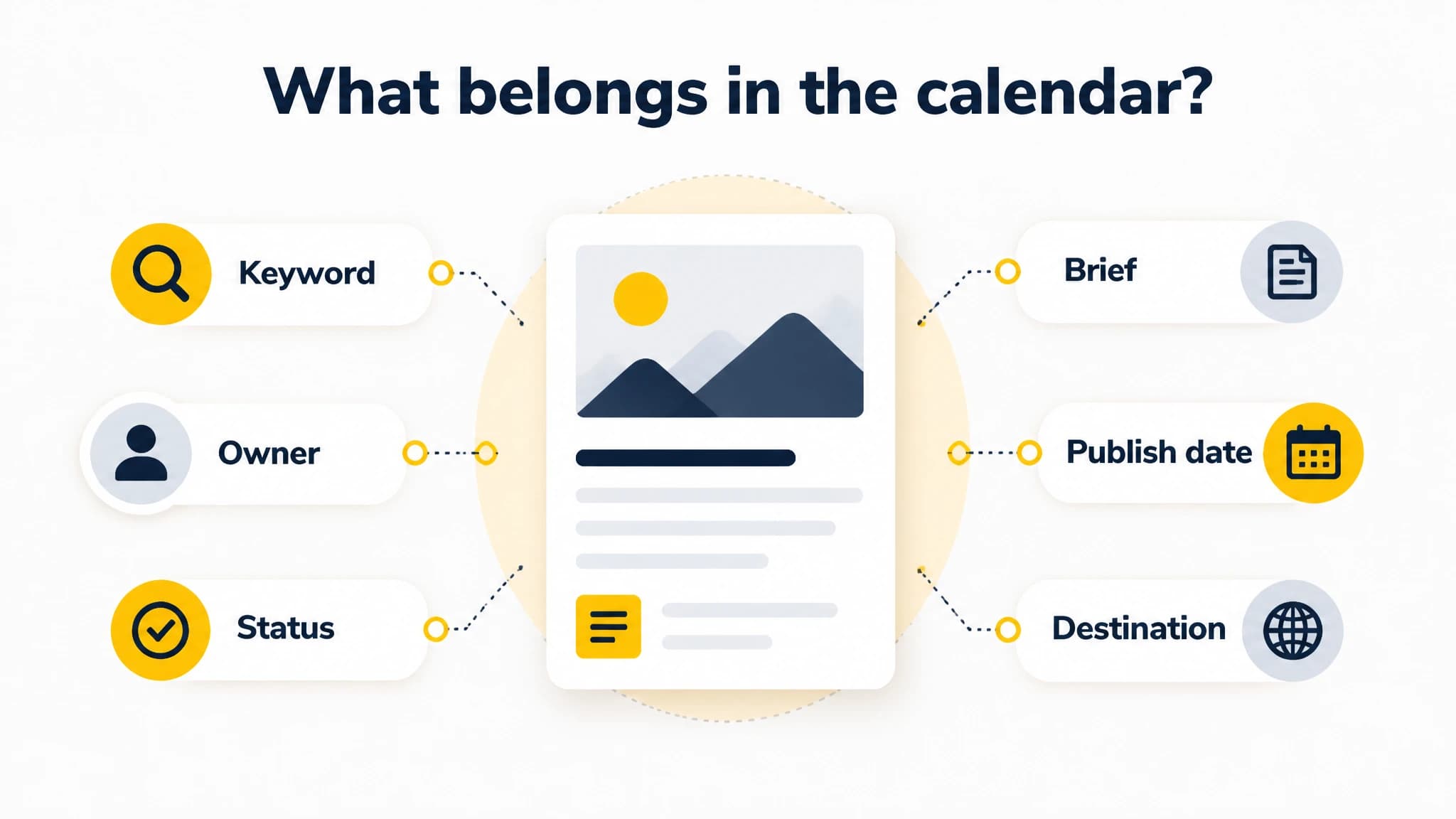
A useful calendar keeps strategy and execution details together.
The six capabilities to evaluate
1. Opportunity tracking
SEO content should begin with a reason to publish. That reason might be a keyword opportunity, a customer question, a gap in your existing coverage, or a supporting article needed for a broader topic cluster.
Content calendar software should make the opportunity visible next to the planned article. Look for a workflow that lets you record the target keyword, intent, priority, cluster, and any notes about the opportunity.
This prevents your calendar from becoming a list of disconnected article ideas. It also makes prioritization easier. When you review the roadmap, you can compare planned topics against business priorities and available production capacity.
For a deeper planning process, see our guide to creating an SEO content calendar. It explains how to connect keyword groups, content briefs, publishing frequency, and a repeatable workflow.
2. Ownership and accountability
Every article needs a clear next owner. Depending on your operation, that might be a founder, writer, editor, SEO specialist, or content automation workflow.
Avoid vague ownership such as “marketing” or “the team.” A useful calendar should make it clear who is responsible for researching, reviewing, approving, and publishing each item.
Ownership is especially important when several articles are in progress. Without it, tasks often remain stalled because everyone assumes someone else is handling them. Clear ownership also helps you spot bottlenecks. If one person owns every review step, your publishing cadence may depend entirely on that person’s availability.
3. Status visibility
A status field should tell you what has happened and what needs to happen next. Common stages include:
- Idea or opportunity identified
- Planned
- Brief ready
- In production
- Review required
- Approved
- Scheduled
- Published
The exact labels matter less than consistency. Your team should agree on what each status means and when an item moves to the next stage.
This is where the distinction between visibility and automation becomes important. A status such as “scheduled” does not necessarily mean the software will publish the article. It may only mean that someone typed a date into a spreadsheet or moved a card on a board.
4. Briefs and article requirements
A content brief gives production a reliable starting point. It can include the primary keyword, secondary terms, audience, search intent, suggested angle, internal-link opportunities, call to action, and formatting requirements.
Keeping the brief connected to the calendar item reduces handoff friction. Writers and editors do not need to reconstruct the strategy from separate keyword tools, project documents, and chat messages.
For solo founders, this is valuable even when there is no large team. A brief preserves your decisions so that you can return to an article days later without starting the planning process again.
5. Scheduling and cadence management
A publishing calendar should help you plan a cadence you can maintain. Consistency is more useful than creating an ambitious schedule that repeatedly slips.
Evaluate whether the software lets you:
- Assign planned publication dates
- Reorder upcoming articles
- Identify gaps in the schedule
- Balance different topic clusters
- Adjust the roadmap when priorities change
- Separate planning from final approval
A good calendar makes changes safe and visible. If a high-priority article moves forward, you should be able to see what it replaces or delays.
With RankWorker, we use the content calendar as the control point for planned SEO articles. You can review, reorder, add, or remove planned content before generation, while keeping the publishing workflow organized around the schedule.
6. Publishing and handoff automation
The most important evaluation question is what happens after an article is approved.
In a basic editorial calendar, approval ends the workflow. Someone still needs to copy the article into a content management system, add metadata, upload images, select a publication date, and confirm that everything is ready.
In a more connected system, publishing is part of the workflow. The tool can prepare the article, metadata, and supporting assets, then send the content to a configured destination according to the approved schedule.
This does not eliminate the need for quality control. It does reduce repetitive handoffs and the risk that an approved article sits unpublished because the final administrative steps were forgotten.
Editorial visibility versus true workflow automation
These two categories are easy to confuse.
Editorial visibility
Editorial visibility means the calendar helps you see work. You may be able to create cards, assign owners, add labels, set dates, and filter by status. These functions are useful because they reduce confusion and make the roadmap easier to manage.
However, the calendar may not create the content, prepare the SEO metadata, or publish the finished article. The operational work still happens elsewhere.
Workflow automation
Workflow automation connects multiple stages. A typical SEO workflow might move from keyword research to opportunity selection, content planning, article generation, metadata, image preparation, scheduling, and publishing.
Automation should still leave room for editorial control. You may want to review the plan, adjust the order, add article-level instructions, or approve content before it goes live.
The goal is not to automate every decision. The goal is to automate predictable steps while keeping important decisions visible and reviewable.
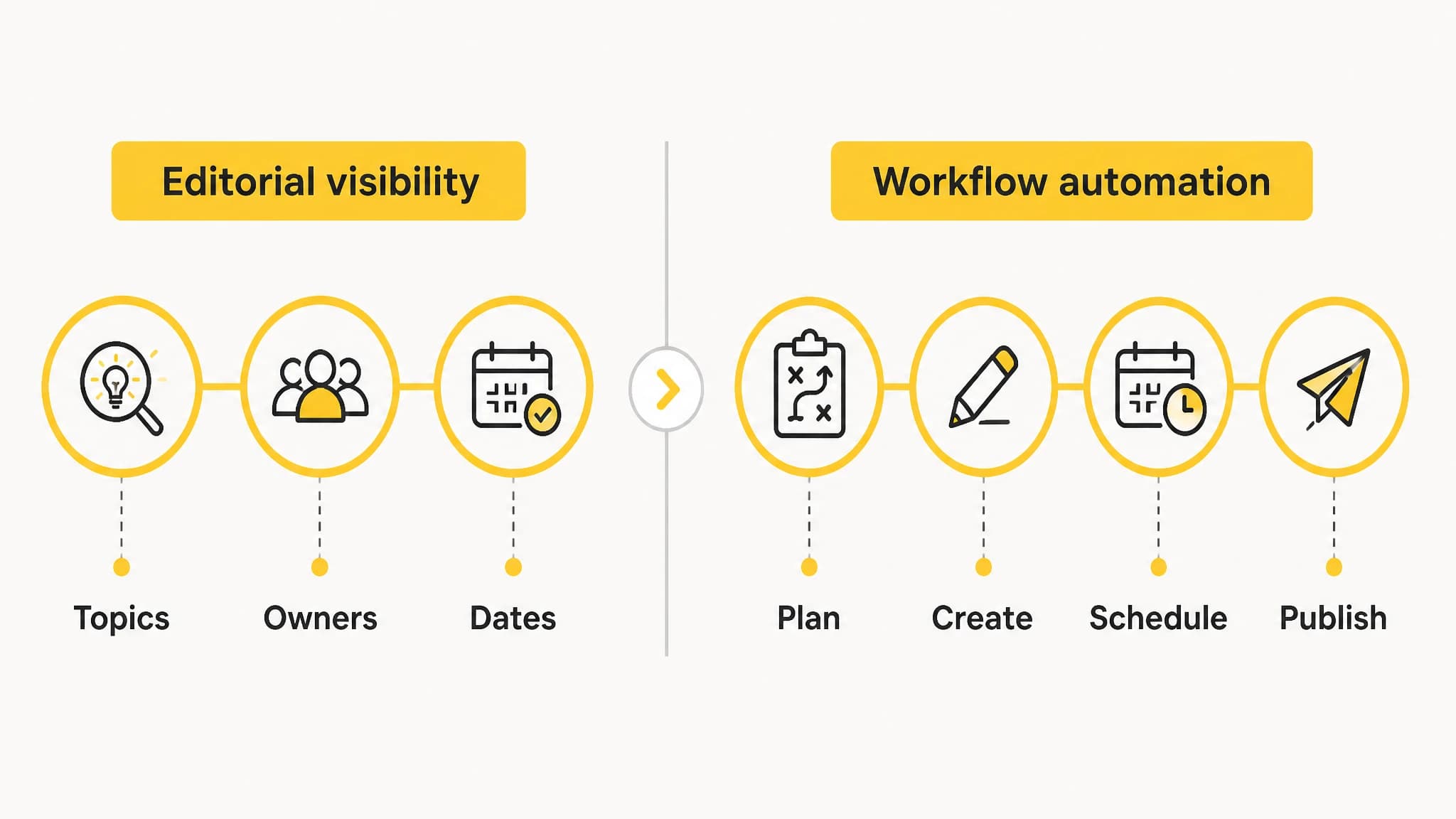
A calendar becomes more valuable when it connects planning to the steps that follow.
How to build an SEO publishing operation
Step 1: Define your publishing capacity
Start with the time and resources you actually have. Consider how many articles you can review, improve, and publish in a typical month.
Then define a realistic cadence. Your calendar should reflect your capacity rather than an idealized plan. If you regularly miss deadlines, reduce the volume or simplify the workflow before adding more topics.
Step 2: Organize content by topic cluster
Group related articles around core topics. A cluster might include a broad guide supported by narrower articles that answer specific questions.
This structure helps you identify missing coverage and plan internal links. It also prevents the calendar from being dominated by unrelated opportunities that do not strengthen your main subject areas.
Step 3: Add opportunity and intent data
For every planned article, record why it belongs on the roadmap. Include the target keyword, search intent, audience, priority, and relationship to other content.
This makes review meetings more productive. Instead of discussing whether a title sounds interesting, you can evaluate whether the article supports a clear search and business objective.
Step 4: Create a repeatable brief format
Use a consistent brief template. At a minimum, include:
- Primary keyword
- Secondary keywords
- Search intent
- Reader problem
- Recommended structure
- Internal-link opportunities
- Product or conversion context, if relevant
- Editorial constraints
A repeatable format improves consistency and makes it easier to delegate or automate production.
Step 5: Define status rules
Write down what each status means. For example, “planned” could mean the topic has been approved but production has not started. “Ready for review” could mean the draft, metadata, and required images are available.
Status rules prevent false progress. An article should not be marked complete merely because its draft exists if the metadata, links, or publishing destination are still missing.
Step 6: Add quality gates
Automation works best when paired with clear checks. Before publishing, verify:
- The article matches the intended search intent
- The primary keyword is used naturally
- The structure answers the reader’s main question
- Internal links are relevant
- Metadata is complete
- Images have useful alt text
- Claims are supported and accurate
- The call to action fits the article
- The destination and publication date are correct
These checks can be brief, but they should be consistent.
Step 7: Connect scheduling to publishing
Once the review process is reliable, connect approved content to the publishing destination. This is where content scheduling automation can create a meaningful operational advantage.
With RankWorker, we connect planning and scheduling with article production, SEO metadata, images, and automated publishing. Our supported workflow can be used with WordPress, Next.js, the Direct API, webhooks, IndexNow, and an MCP Server when those destinations fit your setup.
Use only the connections your operation needs. The right integration is the one that removes a real handoff without making review or troubleshooting more difficult.
Questions to ask before choosing a tool
Before committing to content calendar software, ask:
- Can it track the opportunity behind each article?
- Can we assign ownership and define the next action?
- Are briefs stored with the planned content?
- Can we reorder and adjust the roadmap easily?
- Does scheduling trigger a real publishing workflow?
- Can we review content before it goes live?
- Does it support our publishing destination?
- Can we see which steps remain manual?
- Is it useful for both strategic planning and daily execution?
- Can the system scale without requiring more disconnected tools?
The last question is often the most revealing. A calendar may work well for ten articles, but become difficult when you manage several clusters, authors, reviewers, and publishing destinations.
Our content calendar workflow is designed to keep planning visible while reducing the manual work between an approved plan and published SEO content. You remain in control of the roadmap, while repetitive production and scheduling steps can follow the system you define.
Common mistakes to avoid
Treating dates as a strategy
A date does not explain why an article matters. Add opportunity, intent, priority, and cluster information so the calendar supports decisions rather than merely recording deadlines.
Automating before the process is clear
Automation can make a confusing workflow move faster without making it better. Define statuses, owners, and quality gates first. Then automate the predictable steps.
Measuring output instead of progress
Published article counts can be useful, but they do not show whether the content supports your business or search strategy. Review coverage, consistency, quality, and the movement of important opportunities through the workflow.
Hiding the manual steps
A tool may appear automated while still requiring frequent copying, formatting, uploading, and scheduling. Map the full process from opportunity to publication so you know exactly what the software handles.

Quality gates help keep automated publishing accurate and intentional.
Final recommendation
Choose content calendar software based on the entire SEO publishing operation, not just the calendar view.
The right system should help you track opportunities, assign ownership, store briefs, manage statuses, schedule content, and publish with appropriate review. Editorial visibility is a strong foundation, but true value comes from connecting the calendar to the work that follows it.
For founders and website owners, this can mean fewer disconnected tools and fewer recurring administrative tasks. With RankWorker, we help organize the roadmap and connect it to keyword planning, article creation, SEO metadata, images, scheduling, and publishing. The result is a more practical way to keep your content engine running while you focus on the business.