

 Veselin Stoyanov11 min read
How to Manage Multiple WordPress Sites and Automate SEO
Learn how to manage multiple WordPress sites with centralized SEO planning, repeatable workflows, and automated content publishing.
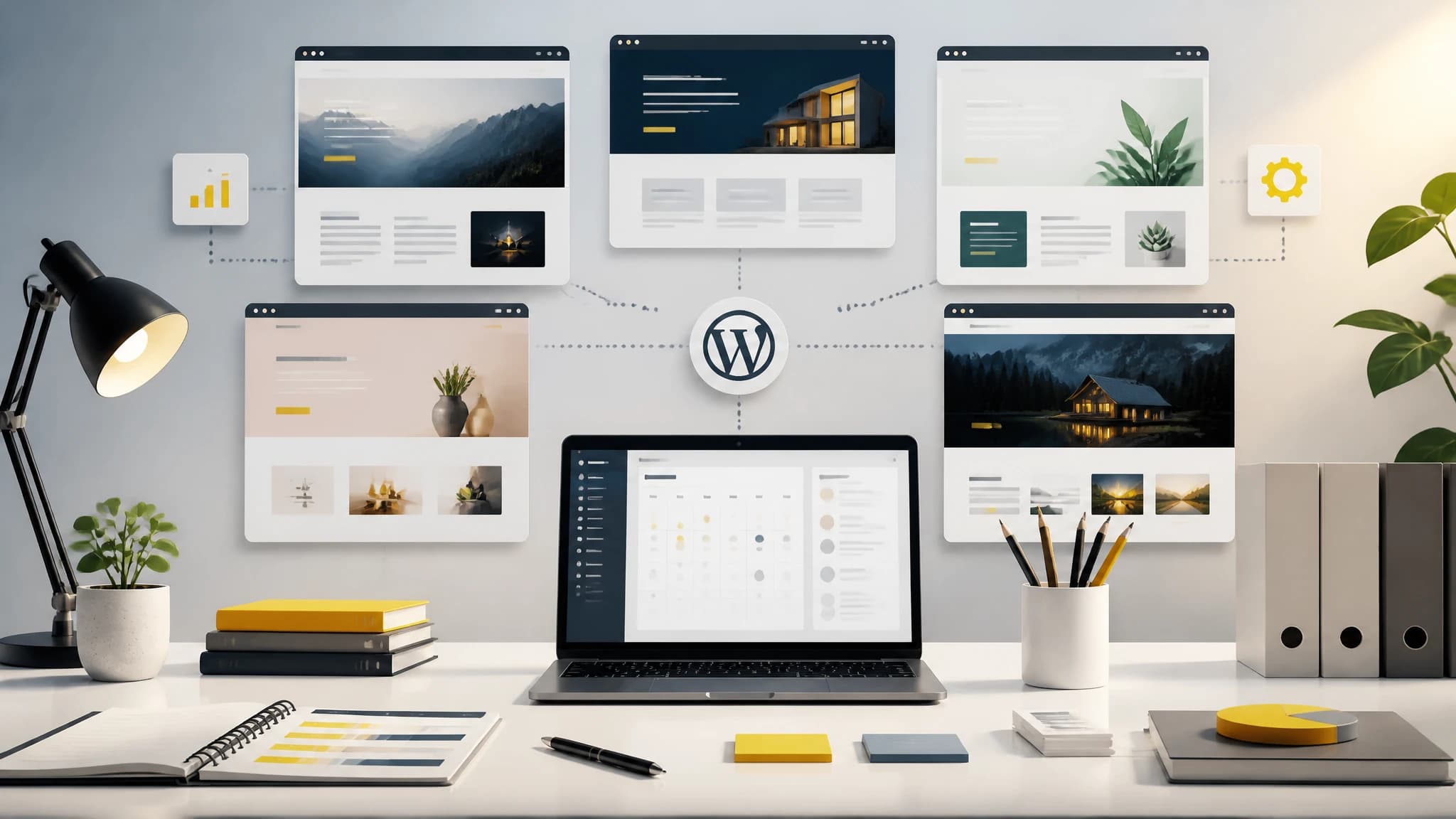
Managing one WordPress website is usually straightforward. Managing five, ten, or more is a different challenge.
Each site may have its own audience, keyword priorities, editorial voice, plugins, publishing schedule, and access requirements. Without a central process, SEO work becomes a series of disconnected tasks: checking spreadsheets, writing briefs, moving drafts between tools, logging into separate dashboards, and trying to remember what should be published next.
The solution is not simply to publish more. It is to create a system that makes every website easier to plan, review, and maintain.
This guide explains how to manage multiple WordPress sites while building a practical WordPress SEO automation workflow.
Why managing multiple WordPress sites becomes difficult
The operational problems usually appear in four areas:
- Planning: Each website needs a distinct content strategy and keyword map.
- Production: Writers or tools need the right context for each site.
- Publishing: Articles must reach the correct website with the correct settings.
- Quality control: Every post still needs review for accuracy, search intent, links, formatting, and brand fit.
When these activities are managed separately for every site, small inefficiencies multiply. A five-minute task repeated across ten sites becomes nearly an hour. More importantly, inconsistent processes create avoidable mistakes, such as publishing a post to the wrong site or targeting the same keyword across several properties.
A centralized workflow helps you separate what should be standardized from what should remain specific to each website.
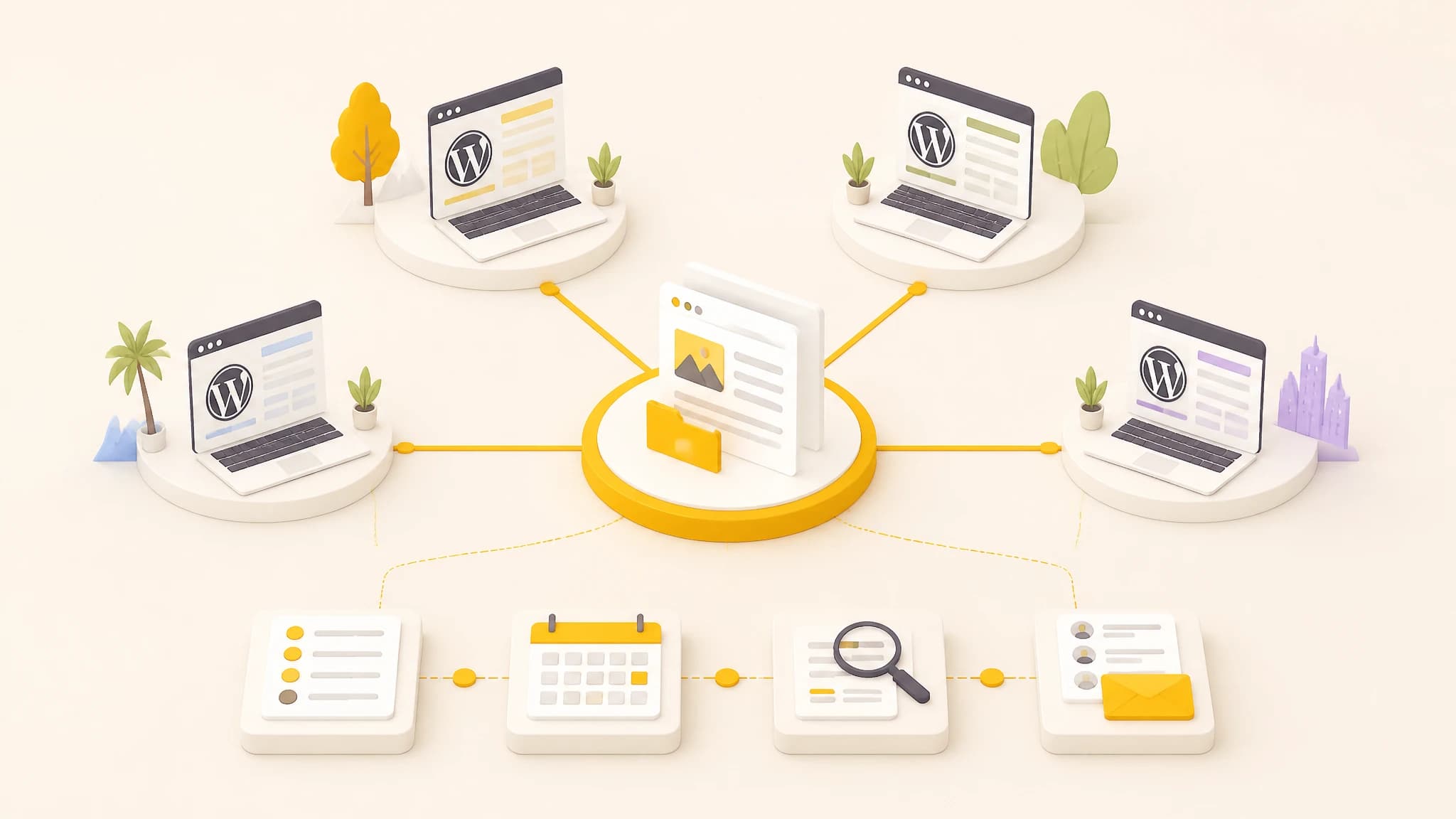
Centralize planning while keeping each website’s audience, strategy, and publishing rules separate.
Start with a central operating system for SEO
Before automating anything, define the information that should live in one place. Your central SEO workspace should make it easy to answer five questions for every website:
- Who is this site for?
- What topics should it cover?
- Which keywords are being targeted?
- What content is planned or already published?
- What is the next publishing action?
A useful site record can include:
- Website name and domain
- Target audience
- Main products or services
- Geographic focus, if relevant
- Primary topics and content clusters
- Preferred tone and formatting rules
- WordPress connection details
- Publishing frequency
- Review requirements
This prevents the common mistake of treating every website as a generic content destination. Automation works best when the system has clear instructions for each project.
Keep site-level information separate
Centralization does not mean mixing all websites into one undifferentiated content pool. Each site should have its own project settings, keyword targets, content plan, and publishing rules.
Shared templates can standardize the process, but site-specific guidance should control the output. For example, two websites might use the same article brief structure while having different audiences, terminology, calls to action, and editorial standards.
Build a repeatable multi-site content workflow
A reliable process usually follows this sequence:
1. Assign a purpose to each website
Write a short strategy statement for every site. Explain the audience, commercial goal, core topics, and type of searcher you want to attract.
For example, one website may target informational searches from small business owners, while another focuses on product-led searches from experienced buyers. Those sites should not receive identical content instructions, even if they operate in the same industry.
2. Group keywords into topic clusters
Avoid managing keywords as a long, unstructured list. Group them into related themes, then map each theme to a content type or funnel stage.
A simple structure might include:
- Foundational guides
- Problem-solving articles
- Comparison and alternative pages
- Product or service education
- Supporting question-based content
This makes it easier to identify gaps and reduce keyword overlap. It also gives you a logical order for planning content across several websites.
3. Create content plans by site
A content plan should connect a target keyword to a clear article purpose. At minimum, record:
- Primary keyword
- Secondary keywords
- Search intent
- Working title
- Suggested angle
- Target audience
- Related articles
- Desired publication date
- Review status
Planning centrally makes the editorial calendar easier to balance. You can see whether one website is receiving too much attention while another has no upcoming content.
4. Generate content using project-specific instructions
If you use AI-assisted content generation, the quality of the instructions matters. Give each website its own writing context instead of relying on one universal prompt.
Useful instructions may cover:
- Tone and reading level
- Preferred spelling and terminology
- Topics to avoid
- Product positioning
- Formatting preferences
- Linking and citation expectations
- Review requirements
The goal is not to remove editorial judgment. It is to make the first draft more consistent and reduce repetitive preparation work.
5. Review before publication
Automation should remove mechanical work, not eliminate responsibility for quality. Use a review checklist for every article:
- Does the article answer the intended search query?
- Is the information accurate and supported?
- Does the introduction provide a direct answer?
- Are the headings logical and scannable?
- Are the keyword references natural?
- Are examples relevant to the audience?
- Are links and calls to action appropriate?
- Is the article assigned to the correct website?
- Does the formatting render correctly in WordPress?
A consistent checklist is especially valuable when several people manage different sites.
Automate the repetitive parts of WordPress SEO
WordPress SEO automation is most useful when it handles predictable steps across the workflow. Depending on your setup, automation can help with:
- Moving approved articles into WordPress
- Applying scheduled publication dates
- Transferring article metadata
- Delivering generated images with content
- Reducing copy-and-paste work
- Tracking connection status and delivery issues
The best automation point is usually after content has been planned and reviewed, but before someone manually recreates the article inside each WordPress dashboard.
Choose a publishing model for each site
Not every WordPress website has the same hosting or security configuration. A public site may accept direct delivery, while a private or restricted site may need to retrieve content from an approved service.
For that reason, your workflow should support different delivery models rather than forcing every site into one technical setup. Document the publishing method for each website and define who can change it.
Use a WordPress integration designed for multiple sites
When you manage multiple WordPress sites, the publishing connection should be repeatable and easy to audit. RankWorker’s official WordPress integration uses a plugin-based setup and supports two delivery modes: push, where RankWorker sends signed article events to the plugin, and pull, where the plugin securely fetches new articles. The integration also provides project-scoped access and dashboard controls for connection status, delivery settings, secrets, API keys, and diagnostics. (rankworker.com)
That makes it suitable for teams that want to centralize content planning while keeping each WordPress website separately connected. You can learn more in the RankWorker WordPress integration guide.
A practical setup looks like this:
- Create a separate project for each website.
- Add the audience, content rules, keyword direction, and publishing preferences for that project.
- Install the official RankWorker plugin on the relevant WordPress site.
- Choose push or pull mode based on the site’s hosting and security requirements.
- Test the connection with a low-risk article or draft.
- Confirm that the article reaches the correct site and preserves the expected content structure.
- Add the connection to your operating checklist.
The important principle is one project, one site context, and one verified publishing destination. This reduces the risk of cross-site confusion as your content operation grows.
Create safeguards before scaling publication
Publishing automation is only helpful when the safeguards are clear. Before increasing volume, decide:
Who approves content?
Assign responsibility for final review. It may be the site owner, an editor, a subject-matter expert, or a client contact. Avoid making approval an informal assumption.
Which articles can publish automatically?
You may allow straightforward educational content to follow a streamlined process while requiring manual review for regulated, technical, medical, financial, or highly commercial topics.
What happens when delivery fails?
Define a fallback process. Someone should know how to check the connection, review the delivery status, retry the article, or publish it manually if necessary.
How are credentials managed?
Use dedicated access for each project and avoid sharing one credential across every website. Review access periodically and revoke keys or connections that are no longer needed.
How do you prevent duplicate topics?
Maintain a content inventory with published, planned, and in-progress keywords. Check this inventory before creating new briefs for any site.
Measure the workflow, not just rankings
SEO performance matters, but operational metrics reveal whether your system is sustainable. Track:
- Articles planned versus published
- Average time from brief to publication
- Number of manual publishing steps
- Failed or delayed deliveries
- Articles requiring substantial rewriting
- Content clusters with no recent activity
- Organic conversions or other business outcomes
These measures help you identify bottlenecks. If articles are generated quickly but remain stuck in review, production is not the main problem. If content is approved but repeatedly fails to reach WordPress, the publishing connection needs attention.
Review the workflow monthly and improve one bottleneck at a time. Small process changes are easier to test than a complete system overhaul.
Common mistakes to avoid
Using one content strategy for every site
Different websites need different audiences, topics, and editorial boundaries. Standardize the workflow, not the site identity.
Automating before organizing
Automation can make a disorganized process run faster, but it does not make the process clearer. Establish your content inventory, responsibilities, and approval rules first.
Publishing without verification
Always verify the destination, formatting, metadata, and publication status. A successful transfer does not automatically mean the article is ready for readers.
Chasing volume instead of coverage
More articles are not necessarily better. Prioritize content that supports a clear topic cluster, addresses a real search need, and contributes to the website’s broader goals.
Forgetting maintenance
Multiple websites need ongoing review. Refresh outdated content, remove weak overlaps, check broken workflows, and update project instructions as the business changes.
A practical weekly routine
A simple weekly routine can keep a multi-site operation under control:
Monday: Review performance, content gaps, and upcoming priorities for each site.
Tuesday: Finalize keyword targets and article briefs.
Wednesday: Review generated drafts and request revisions where needed.
Thursday: Approve articles, verify images and metadata, and prepare publishing queues.
Friday: Check WordPress delivery, confirm published URLs, and record exceptions.
The exact schedule is less important than having a visible process. A shared dashboard or content workspace should show what is planned, in progress, approved, published, or blocked.
Final thoughts
To manage multiple WordPress sites effectively, separate strategy from execution. Keep each website’s audience and SEO direction distinct, but centralize planning, production status, review standards, and publishing operations.
The strongest WordPress SEO automation workflows are not fully hands-off. They are controlled, repeatable, and transparent. Automation handles the repetitive movement of content, while people remain responsible for priorities, accuracy, and final quality.
With clear site-level projects, structured content plans, verified WordPress connections, and practical safeguards, you can run a larger content operation without multiplying administrative work.