

 Veselin Stoyanov10 min read
Shopify Blog Automation: Plan, Write, and Schedule SEO Posts
Learn how to plan, write, and schedule Shopify blog posts for SEO, and reduce manual publishing work with a repeatable workflow.

Shopify Blog Automation: Plan, Write, and Schedule SEO Posts
Shopify blog publishing automation helps you keep useful, search-focused articles moving from idea to publication without handling every step manually. A workable system starts with topics that answer customer questions and support relevant product or collection pages. Then it connects research, article creation, quality checks, scheduling, and publishing.
Shopify includes a native blog and lets you set a date and time for a post to become visible. That covers basic scheduling, but it does not by itself create a topic plan, write articles, prepare images and SEO metadata, or move every finished draft through review. For those repeatable tasks, a connected workflow can help.
Why a Shopify blog can support store SEO
A store blog gives you room to answer broader questions than a product page usually can. A product page can explain one item; a blog post can help a shopper compare options, learn how to use a product, or understand what to look for before buying. Useful articles can attract relevant search visitors and give them a natural path to related products and collections.
The key is relevance. Publishing general articles just to keep a calendar full may bring visitors who have little reason to shop with you. Instead, choose subjects that connect to your products and the decisions customers make. Shopify’s SEO overview recommends relevant content and linking related products or collections from blog posts.
Blog post types that connect to products
- Buying guides: Explain what to consider, compare product types, and help readers choose. Link to the collection or products that fit the options discussed.
- Comparisons: Clarify meaningful differences between materials, sizes, features, or use cases. Be specific and fair, and do not invent product advantages.
- How-to articles: Show how to use, assemble, style, or troubleshoot something related to your range. Include links only where a product genuinely helps with the steps.
- Care guides: Explain cleaning, storage, maintenance, or longevity for products that require it. Check technical and safety details against reliable information before publishing.
For example, a store selling gardening tools might write a guide to choosing pruners, a comparison of tool types, instructions for cleaning them, and a care guide for storing them between seasons. Each article addresses a different search need while giving readers a relevant route to the right collection or item.
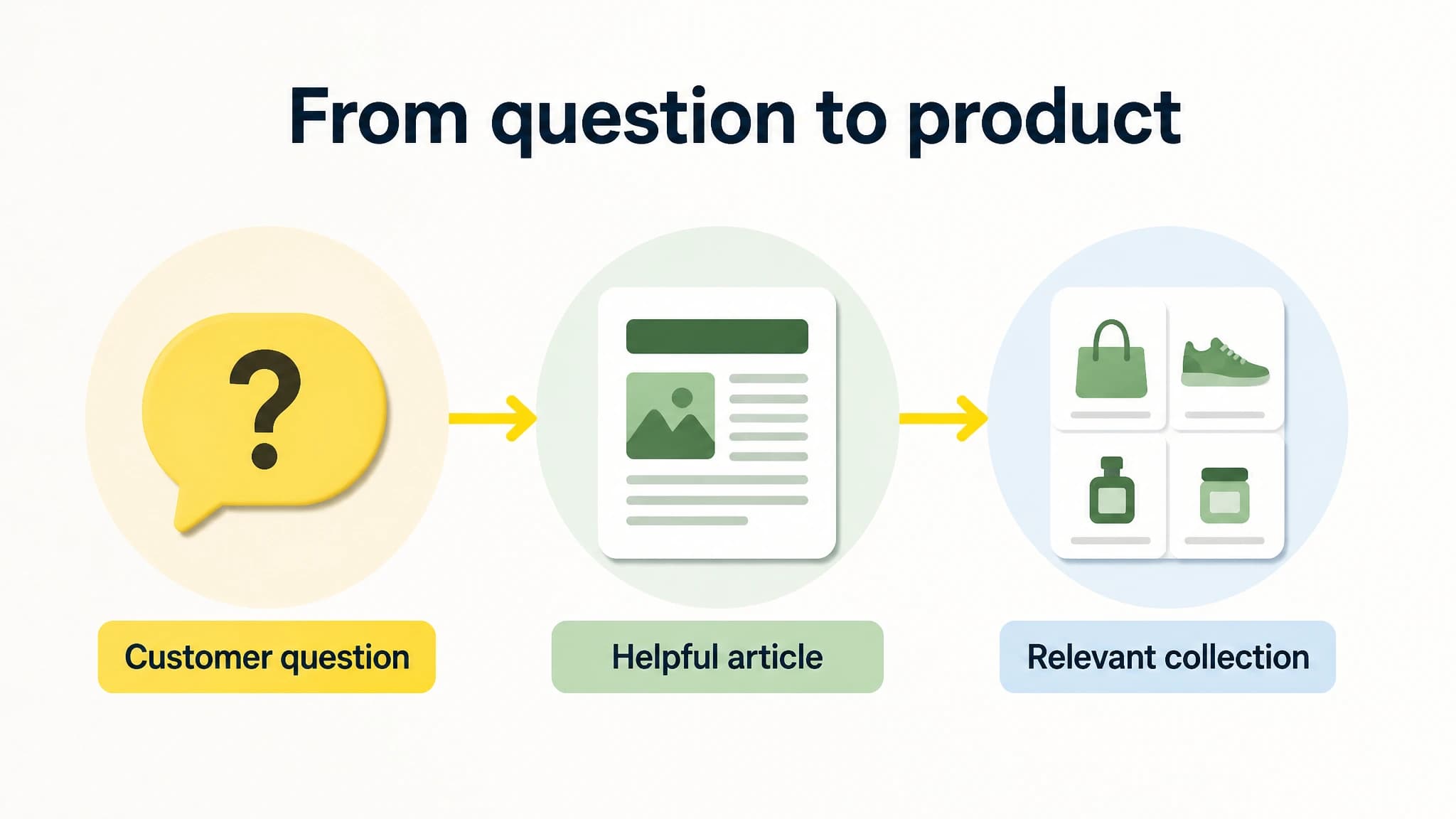
A useful blog post answers a question and points readers toward a relevant next step.
Start with a topic plan, not a posting quota
Before drafting, map a small set of customer questions to the products or collections they relate to. A simple planning sheet can include the reader’s question, search intent, article type, target page, proposed internal link, and a review date. This makes it easier to spot duplicate ideas and avoid writing posts that have no clear role in the store.
Use this sequence to choose topics:
- List customer questions. Gather recurring questions from support conversations, product reviews, sales discussions, and your own product knowledge.
- Check search intent. Ask whether the searcher wants instructions, a comparison, product ideas, or a direct purchase. Shape the article to satisfy that need rather than forcing a sales pitch into every section.
- Choose a relevant destination. Identify the product or collection page the article can help a reader explore. If no useful destination exists, reconsider the topic or create the needed store page first.
- Prioritize by usefulness and accuracy. Start with questions you can answer clearly and topics tied to available products. Avoid promising outcomes or making claims you cannot verify.
- Plan the next step. Decide what a reader should do after the article: compare a collection, view a product, or follow a practical instruction.
A modest, focused plan is more useful than a long list of loosely related topics. Organize ideas into clusters around product categories or customer problems, then vary the article format so the blog does not repeat the same angle.
What Shopify’s native blog and scheduling handle
Shopify gives stores a built-in blog, including a default blog named “News,” and lets you create or manage blogs in the Shopify admin. For a blog post, you can set a specific publishing date and time in its Visibility settings. The Shopify publishing guide explains how to schedule a post and manage visibility.
That native scheduling is useful when an article is already written and ready to publish. You can prepare posts ahead of time, set a date, and avoid having to remember to make each post visible manually. Shopify also lets you edit SEO details such as a page title, meta description, and URL handle for blog content.
The manual work often happens before and around that scheduling step:
- Finding topics that fit your products and search intent.
- Turning each idea into a clear brief and article.
- Checking product details, links, and claims for accuracy.
- Preparing images, excerpts, tags, and metadata.
- Copying content into Shopify and checking the post after transfer.
- Coordinating reviews and dates across a growing calendar.
Shopify’s scheduling can handle a publication date, but you still need a reliable way to plan, prepare, and quality-check the content. Blog automation is most valuable when it reduces repetitive handoffs without removing editorial judgment.
Build an automated Shopify blog workflow
A practical automated loop has four stages: plan, create, review, and publish. Keep the review step in the process, especially for product claims, care instructions, prices, availability, and anything that may change.
1. Plan a focused calendar
Set a realistic publishing pace based on the time you can dedicate to checking the work. Assign each article a target keyword or question, reader intent, product or collection destination, and proposed publication date. Leave room to update time-sensitive posts when inventory, policies, or product details change.
With RankWorker, we support keyword planning and content planning so you can organize article opportunities before generating content. You can refine the plan and schedule articles in the content calendar rather than starting each post from a blank page. For more workflow ideas, browse our SEO automation articles.
2. Generate the article package
Draft around the reader’s task. A buying guide should explain decision criteria; a comparison should distinguish options fairly; a how-to should give clear steps. Add relevant links to your store where they genuinely help, and make sure each post has a specific purpose beyond repeating product descriptions.
RankWorker can generate articles with images and SEO metadata as part of the content workflow. Still, generated content should be treated as a draft for review, not as a substitute for checking the facts. Verify that product names, features, instructions, and destinations match your store before anything goes live.
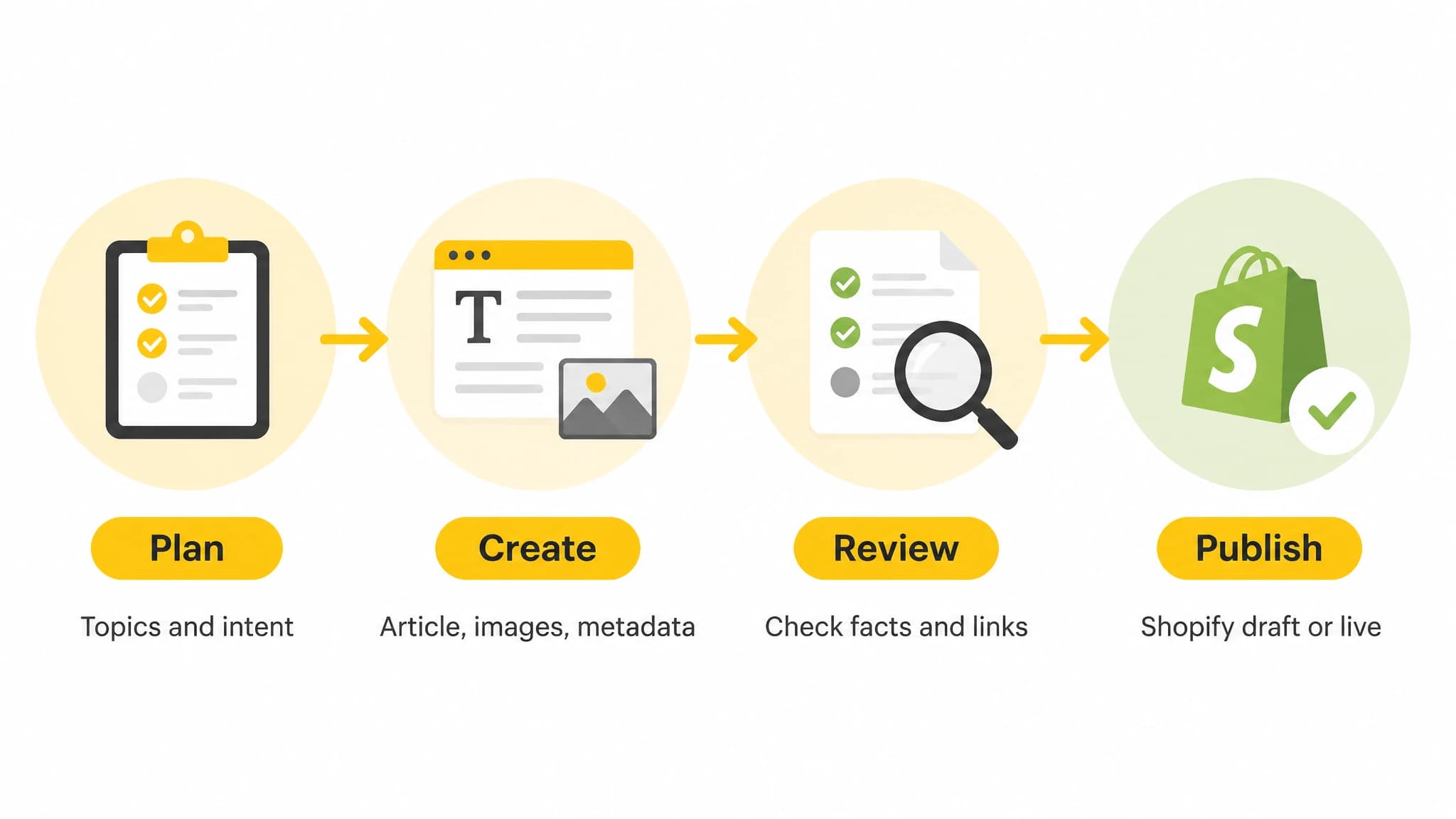
Automate repeatable steps while keeping an accuracy review in the workflow.
3. Connect Shopify and choose the publishing mode
With our Shopify integration, you can connect your store, select an existing Shopify blog, set an author name, and choose whether newly generated articles are published live or saved as Shopify drafts. When syncing is enabled, newly generated articles can be sent with images and SEO metadata.
Choose draft mode if your team needs to approve every post before it appears on the storefront. Choose live publishing only when your review process, instructions, and content standards are dependable enough for that level of automation. You can start with drafts, review how the workflow performs, and adjust the process as you gain confidence.
4. Check the published post
Before a post goes live, review the headline, opening, headings, links, images, and SEO metadata. Confirm that internal links point to the intended Shopify product or collection, and that the article does not state a price, feature, warranty, or result that has not been checked. After publishing, view the post on desktop and mobile to catch formatting or link issues.
Also decide how you will refresh articles. A care guide may remain useful for years, while a comparison involving current products could need attention sooner. Put a review date on posts where product details or store policies can change.
A simple quality checklist for Shopify blog posts
Use this checklist before scheduling or enabling automatic publishing:
- Search intent: Does the article answer the specific question suggested by its topic and title?
- Store relevance: Does it relate naturally to your products or collections, rather than feeling like unrelated traffic bait?
- Accuracy: Have product details, care advice, comparisons, and any safety or performance statements been verified?
- Useful links: Does the article link to relevant products or collections without forcing a sales link into every paragraph?
- SEO details: Are the page title, meta description, URL handle, and image descriptions accurate and clear?
- Readability: Are the steps and explanations easy to scan, with headings that describe what each section covers?
- Publishing mode: Is this post approved for live publishing, or should it remain a draft for review?
- Maintenance: Is there a reason to revisit the article later, such as changing products or policies?
Automation helps keep the process moving; this checklist helps protect usefulness and accuracy. For additional examples of repeatable publishing workflows, explore our SEO publishing articles.
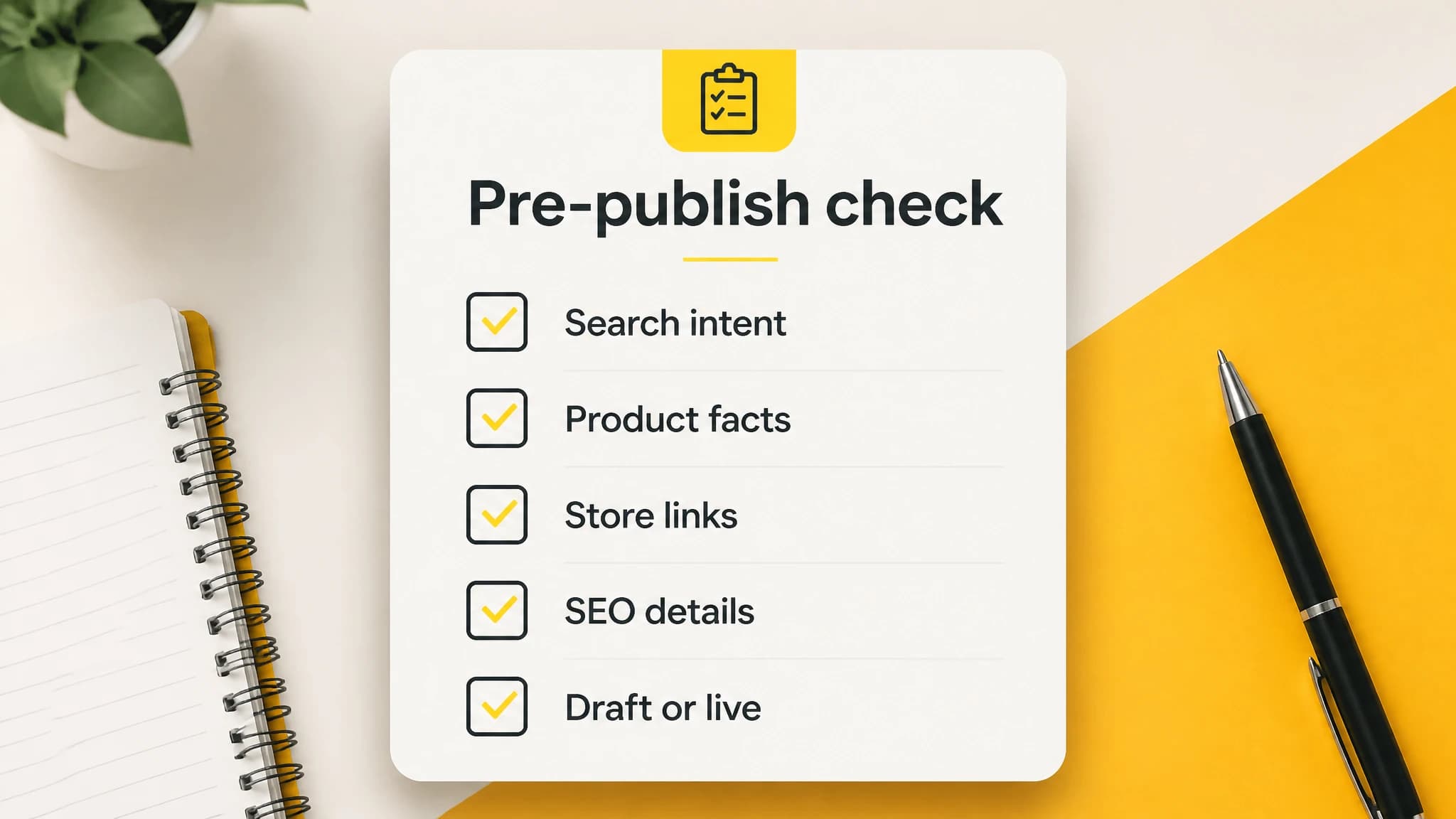
Use a brief review checklist to protect accuracy and reader usefulness.
Make automation fit your store
Shopify blog automation works best when it connects practical, product-related topics to a dependable publishing process. Shopify’s native blog and scheduled visibility can handle the final publication timing. To reduce manual work across topic planning, article creation, images, metadata, and delivery, connect those steps in a workflow that still gives you the right level of review.
With RankWorker, we help you plan and generate SEO articles, then sync them to Shopify as live posts or drafts according to your setup. Start with a focused calendar and draft review, check every post for store-specific accuracy, and automate more only when the workflow is producing content you are comfortable publishing.