

 Veselin Stoyanov9 min read
RankWorker Alternatives: How to Compare SEO Content Workflow Platforms
Evaluating RankWorker alternatives? Compare SEO workflow platforms by research, planning, review, and publishing before you choose.

If you’re looking for RankWorker alternatives, compare the whole content workflow - not just how quickly a tool drafts an article. The right SEO content workflow software should help you move from a search opportunity to a reviewed, published page, while making clear which steps still need your judgment.
This guide gives you a platform-neutral framework for comparing tools. It also explains the workflow we designed RankWorker to serve: businesses that want to connect keyword research, planning, article creation, and publishing with less manual coordination.
Start with the workflow you need
Before comparing platforms, write down what happens between choosing a topic and publishing a page on your site. A typical SEO content workflow includes:
- Finding and evaluating keyword opportunities.
- Grouping related topics into a useful plan.
- Preparing briefs or instructions for each article.
- Drafting and improving the content.
- Adding images and SEO metadata where appropriate.
- Reviewing the article and approving it for publication.
- Scheduling or publishing it to your website.
- Checking the published page and maintaining the workflow over time.
Not every business needs software for every step. A solo founder who publishes occasionally may need a reliable research and drafting process, while a small team publishing regularly may care more about consistent handoffs, scheduling, and publishing. Choose based on the actual work you want to simplify, not a long feature checklist.
If you’re comparing platforms across multiple workflow steps, our SEO software selection guide provides another way to assess research, planning, review, and publishing needs.
Use a scorecard to compare alternatives
Create a simple scorecard before booking demos or starting trials. For each category, record whether a platform supports the step, how much setup it requires, and what your team must still do manually. A feature that exists but doesn’t fit your workflow may not save you time.
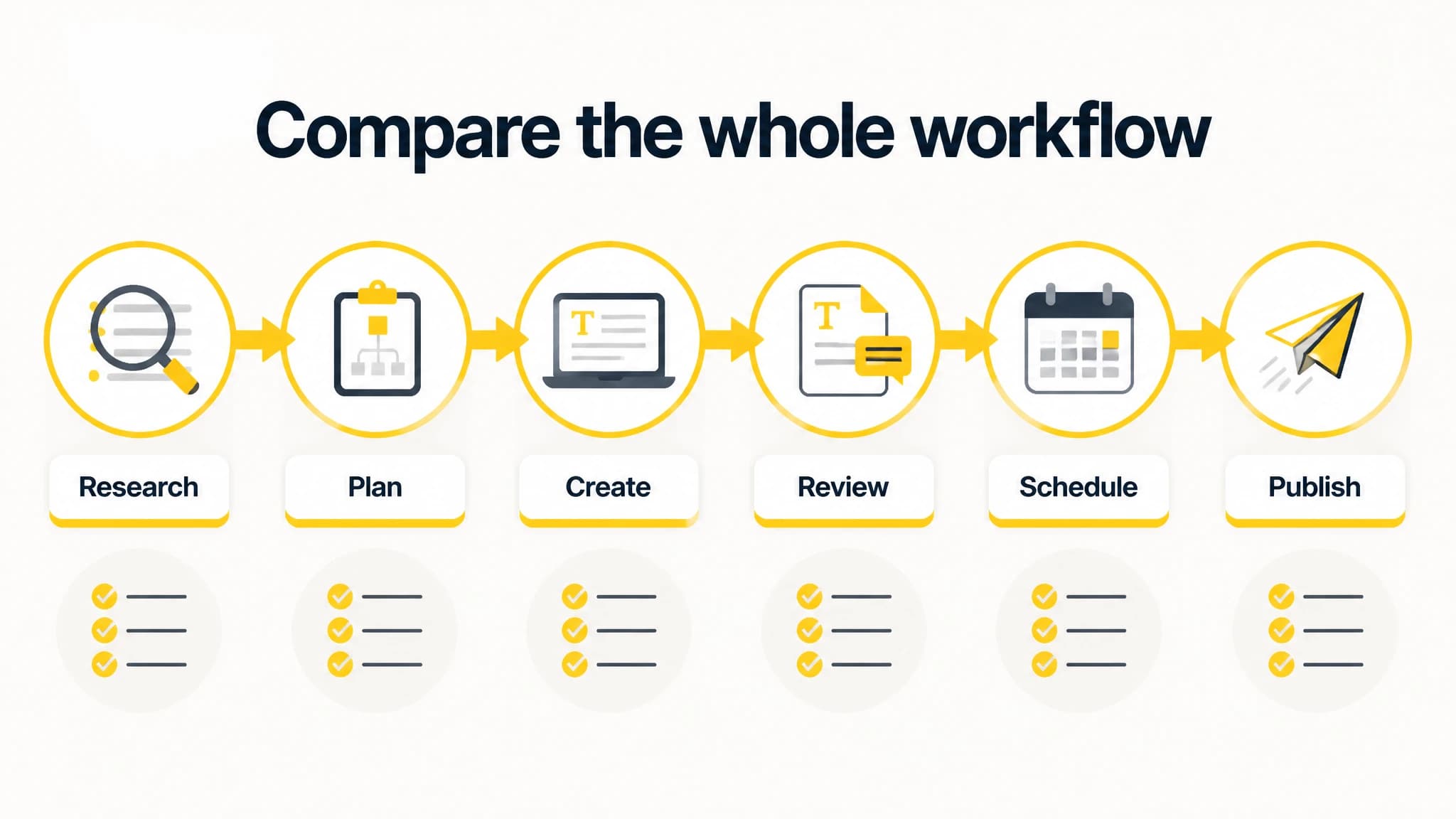
Compare the connected workflow stages, not just article generation.
1. Keyword research and opportunity discovery
Check how the platform helps you identify and prioritize topics. Ask whether you can explore keyword data, find content opportunities, and understand how proposed topics relate to your site and audience. Also note whether you can bring your own research and how easy it is to turn a promising topic into a planned article.
Don’t assume that a tool’s keyword suggestions are automatically the right priorities. Your expertise, audience, existing content, and business goals still matter. For a closer look at the research step, see our keyword research workflow.
2. Clustering and content planning
Look for a clear way to organize related topics and plan what to publish. Useful questions include: Can you group related keywords? Can you see planned work in one place? Can you avoid accidentally assigning overlapping topics to multiple articles? Does the platform help your team keep track of what is planned, in progress, and ready for review?
Ask for a demonstration using a topic area you actually work on. A generic list of suggested keywords won’t tell you whether the platform helps you turn research into a practical publishing plan.
3. Article generation and editorial control
Compare how a platform turns a topic and its instructions into a draft. Consider how much context you can provide, how easily you can edit the result, and whether the workflow makes review straightforward. If your brand has specific terminology, audience needs, or editorial standards, test how well those instructions carry through to the article.
Treat generated content as a draft that needs an appropriate level of human review, not as a substitute for subject knowledge or editorial responsibility. Establish who checks accuracy, usefulness, tone, and originality before publication. For some teams, that review is a quick edit; for others, it is a formal approval step.
4. Images and SEO metadata
If images are part of your publishing process, check whether the platform helps you prepare them and whether the output suits your site’s requirements. Ask the same about metadata: Can you review and edit titles and descriptions before publishing? Can you keep control over what appears on the page?
Avoid judging these features by a demo alone. Test a representative article and confirm that the resulting image files, metadata, and page content fit the way your website is managed.
5. Scheduling, publishing, and integrations
A smooth workflow should account for the destination of the finished article. Check which publishing routes are supported, what setup is needed, and whether you can schedule work in a way that fits your review process. Confirm how a platform handles errors or changes when a page is not ready to publish.
Consider your current website setup before choosing. A platform may suit a team that wants to publish directly to its site, while another may work better if the team prefers to export drafts and complete publishing manually. Review the available integrations against your actual stack rather than assuming that a familiar platform name guarantees a complete fit.
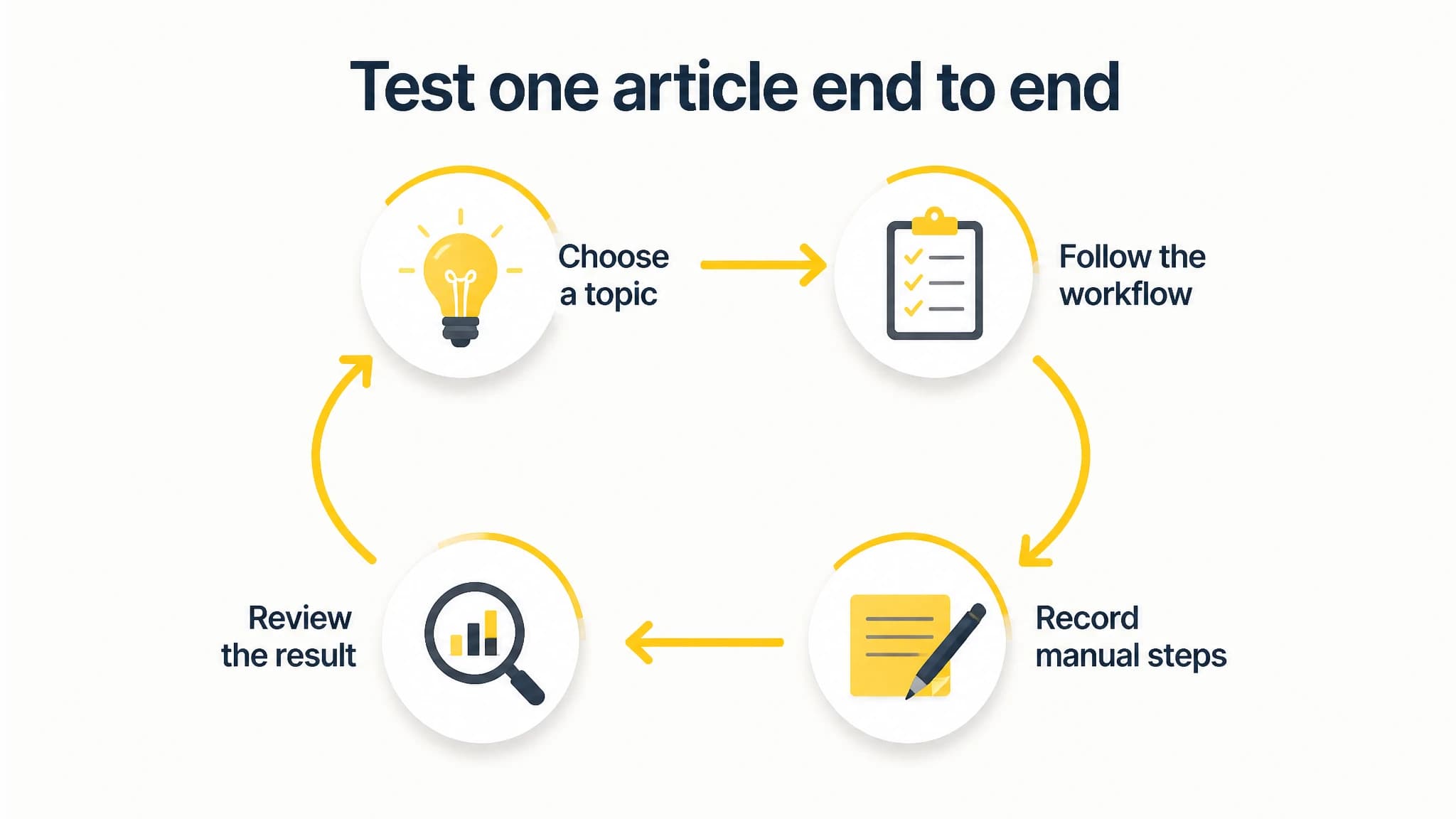
A consistent test makes platform comparisons more useful.
Compare the amount of work that remains
A tool’s feature list is only part of the comparison. For each platform you test, trace one article from topic selection to publication and note every manual handoff. Include setup, copy-pasting, formatting, editing, approvals, and checks after publication.
A practical comparison table can use these columns:
| Workflow step | What to check | Your notes |
|---|---|---|
| Research | Can you identify and evaluate relevant topics? | |
| Planning | Can you organize topics and upcoming work? | |
| Drafting | Can you guide, edit, and review the article? | |
| Images and metadata | Can you prepare and adjust these before publishing? | |
| Scheduling and publishing | Does it fit your website and approval process? | |
| Human review | Is it clear when and how your team checks the work? |
Use the same test topic for each alternative. Give each platform a representative brief, follow the workflow as you normally would, and record where you had to leave the tool to finish the job. This gives you a more useful comparison than judging a single generated paragraph or relying on a feature list.
Where RankWorker fits
We designed RankWorker for businesses that want to run a repeatable SEO content workflow with less manual coordination. Our supported workflow includes keyword research and content opportunities, clustering and planning, article generation, article images, SEO metadata, scheduling, and automated publishing. Available integrations include WordPress, Next.js, Direct API, webhooks, IndexNow, and an MCP server.
That makes RankWorker worth evaluating if your main challenge is connecting those steps into a consistent process. It may be less relevant if you only need a standalone writing aid, prefer to manage research and planning elsewhere, or don’t want to automate any part of publishing. The fit depends on your workflow and the level of review you want to keep.
To check current product details against your needs, use our platform comparison page alongside your own test. Compare the steps that matter to your site and verify any specific integration or workflow requirement before you decide.
Keep human review in the process
Automation can reduce repetitive coordination, but it doesn’t remove the need to decide whether an article deserves to be published. Assign responsibility for checking claims, fit with your audience, usefulness, and any specialist details. Decide which changes need approval and who gives that approval.
Before adopting a platform, test a complete article and ask:
- Is the topic appropriate for our audience and site?
- Does the draft answer the searcher’s question clearly?
- Have we checked claims and details that need expertise?
- Do the images and metadata fit our publishing standards?
- Can we pause or edit the work before it goes live?
- Can the team tell what has been reviewed and published?
A good platform should fit the review process you intend to keep, rather than encouraging you to skip it. The goal is a more manageable content operation, not publishing without judgment.
Make your decision
When you compare RankWorker alternatives, begin with your publishing workflow, test the same representative topic in each platform, and record the work that remains manual. Compare research, clustering, planning, generation, images, metadata, scheduling, publishing, integrations, and human review as connected steps.
We designed RankWorker for teams that want those SEO content steps connected in a repeatable workflow. Use your scorecard and hands-on test to decide whether that approach fits your website, your team, and the level of editorial control you want.