

 Veselin Stoyanov11 min read
SEO Content Automation Platforms: Features That Matter in Practice
Compare SEO content automation platform features across research, planning, production, review, and publishing. Use this checklist to choose a practical workflow.

An SEO content automation platform uses software and repeatable workflows to move content from search opportunity to publication. The useful platforms do more than generate drafts: they connect research, planning, article production, optimization, review, and publishing while keeping people in control of strategy and quality.
When evaluating one, look for a complete workflow, clear editorial checkpoints, reliable publishing options, and enough flexibility to fit the way your site operates. Automation should reduce handoffs and repetitive work, not make decisions about accuracy, expertise, or whether a topic is right for your audience.
What an SEO content automation platform should do
Think of the platform as a workflow, not a writing button. A well-connected process helps you answer four questions: What should we publish? How will the article serve searchers? What needs a person’s judgment? How will the approved piece reach the website?
Use this feature checklist when comparing SEO automation software:
| Workflow stage | Features to look for | What to check |
|---|---|---|
| Research | Keyword research and opportunity discovery | Can you find relevant topics and understand why they fit your site? |
| Organization | Clustering and content planning | Can related topics become a coherent plan rather than a disconnected list? |
| Production | Article generation, metadata, and images | Can the workflow prepare useful components without treating the draft as final? |
| Review | Editable content and approval checkpoints | Can an editor verify claims, intent, tone, and completeness before publication? |
| Delivery | Scheduling and publishing options | Can approved content move to your site with the right timing and destination? |
| Operations | Repeatable workflows and visibility | Can you see what is planned, in progress, awaiting review, and published? |
The specific feature names matter less than whether the stages connect. If keyword research happens in one tool, briefs in another, drafts in a document, and publishing in a separate system, your team still owns the manual handoffs. A platform that links these steps can make the process more consistent, but it does not remove the need for an editor.
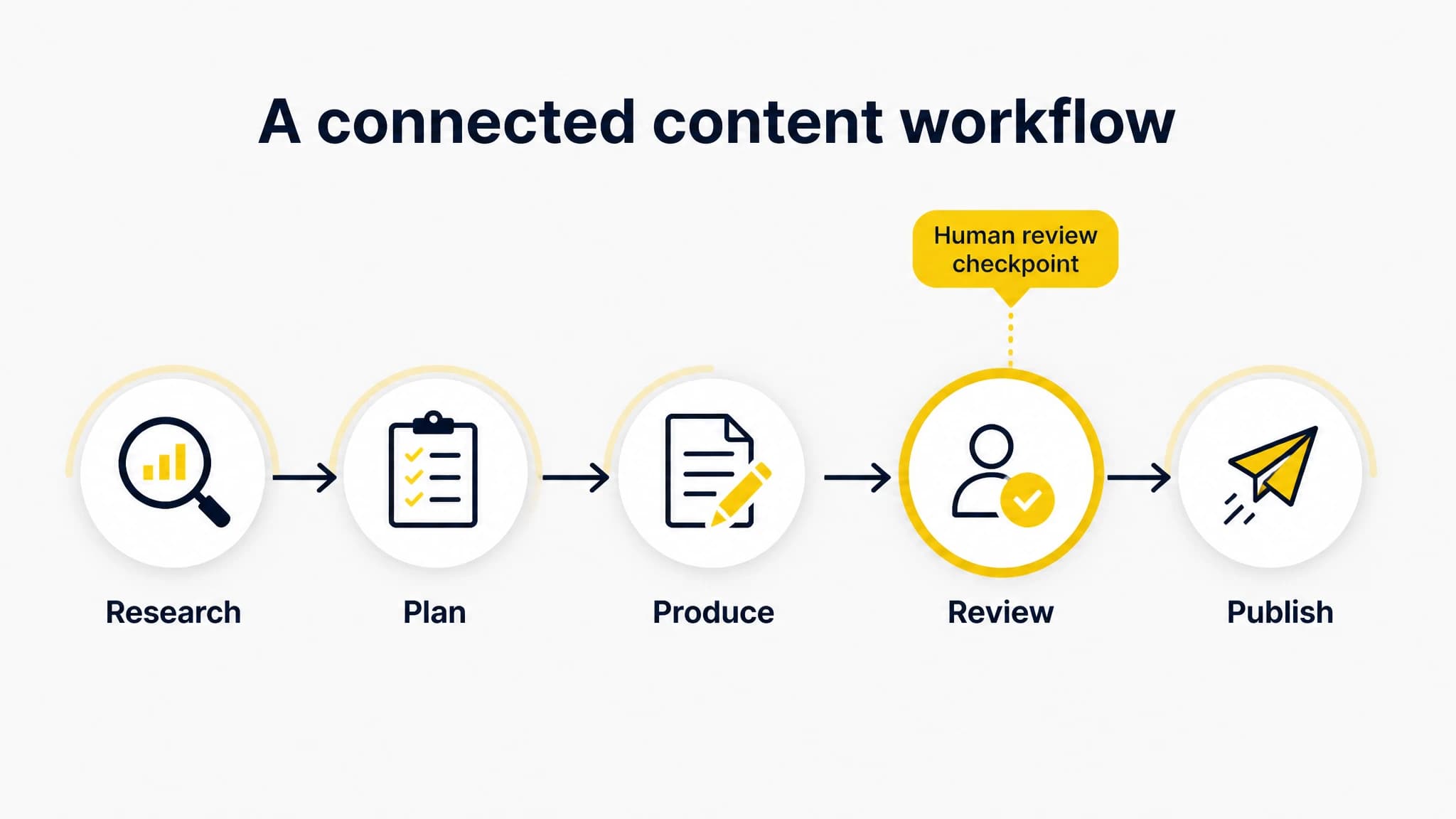
A platform is most useful when the workflow stages connect.
1. Start with keyword opportunities, not bulk generation
A platform should help you identify relevant search topics before it creates articles. Check whether it supports keyword research, content opportunity discovery, and a way to organize potential topics. Then ask whether you can judge each opportunity against your actual business, audience, and existing content.
A keyword is not automatically a good article idea. Before adding one to your plan, consider:
- Audience fit: Does the topic address a real question from the people you want to reach?
- Purpose: Is the likely search intent informational, comparative, or action-oriented, and can your page satisfy it?
- Site fit: Does the topic support your subject focus and connect naturally to useful pages you already have?
- Coverage: Do you already have a page that serves the same intent? If so, improving it may be a better next step than creating another.
The platform can help you collect and organize opportunities, but a person should decide which topics deserve time. This keeps a content plan focused on reader needs instead of raw keyword volume or an arbitrary publishing quota.
2. Check that planning connects topics into a useful structure
A list of keywords is not a content strategy. Look for features that help group related topics and plan content in a way that supports a clear reader journey. A useful plan can show what each article is for, how it relates to other planned pieces, and what should be created first.
Before committing to a topic, write down its intended reader, the question it will answer, and the unique value it should add. This short planning step helps prevent near-duplicate articles and makes briefs more useful. It also gives an editor a standard for judging whether a generated draft is on track.
For a deeper explanation of the overall process, see our SEO content automation guide. The important evaluation question is whether planning and production share context, or whether your team has to copy the same information between disconnected tools.
3. Evaluate article production as a starting point
Article generation can speed up drafting, but output should be treated as a draft that needs review. Look for a workflow that gives the article enough context to address its intended topic and audience. Check whether it can prepare relevant SEO metadata and images as part of production, if those are tasks your team repeatedly handles.
Then test a representative topic. Review the result for:
- Intent: Does it answer the question the searcher is likely asking?
- Accuracy: Are factual claims supported and are uncertain details flagged for checking?
- Specificity: Does it give practical, topic-specific guidance rather than generic filler?
- Structure: Can a reader scan the headings and find the answer quickly?
- Original contribution: Does it include useful judgment, examples, or knowledge that your team can stand behind?
- Search presentation: Are the title, description, and supporting elements appropriate for the page?
Do not judge a platform only by how quickly it produces text. Assess how much editing a real article requires and whether the workflow makes it easy to improve the result. With RankWorker, we connect article generation with keyword planning, article images, and SEO metadata, so these production tasks can sit within the same content workflow.

Keep people responsible for accuracy, strategy, and final approval.
4. Keep human review at the decisions that matter
Automation is most useful for repeatable tasks. Human review is essential wherever a mistake could mislead readers, misrepresent your business, or weaken the usefulness of the page. A sensible workflow defines review points before publication instead of assuming every automated step is ready to go live.
Keep a person responsible for:
- Choosing priorities and confirming that a topic fits your audience and expertise.
- Checking factual, legal, medical, financial, or other high-impact claims against reliable sources when relevant.
- Reviewing brand-specific statements, product capabilities, examples, and recommendations.
- Confirming that the draft satisfies search intent and adds value beyond a generic summary.
- Approving the final page, including links, metadata, images, and publishing details.
The division of work can be simple: automate collecting and organizing opportunities, preparing drafts and supporting elements, and moving approved content through a repeatable process. Reserve human judgment for topic selection, verification, editorial standards, and final approval. The higher the risk or expertise required, the more careful the review should be.
A practical evaluation test is to ask: Can we inspect and correct the output before it goes live? Can we pause or change the workflow when an article needs extra attention? If the answers are unclear, do not assume the platform’s automation is suitable for unattended publishing.
5. Confirm that publishing fits your website
A finished article still has to reach the right place in the right format. Check which publishing methods the platform supports and whether they match your website setup. Confirm what happens to the article’s content, metadata, images, and schedule during delivery. If your site uses a custom workflow, find out whether the platform’s publishing options can accommodate it before you build a process around them.
Also clarify the approval sequence. Can your team review an article before scheduling? Is there a clear distinction between a draft, an approved article, and a published page? Does the process give you a way to correct or reschedule content when plans change? These operational details often matter more than one extra writing feature.
With RankWorker, we support scheduling and automated publishing, with integrations including WordPress, Next.js, Direct API, and webhooks. Evaluate those options against your own website and publishing requirements rather than assuming any integration will fit every setup.
6. Compare the full workflow, not isolated features
A content automation tool is easier to assess when you trace one article through every stage. Choose a realistic topic and map the steps from opportunity discovery to publication. Note where information is reused, where a person must make a decision, and where a handoff still depends on copying and pasting.
Use this short comparison exercise:
| Test | Strong workflow signal | Warning sign |
|---|---|---|
| Topic selection | Research and planning support a reasoned editorial choice | The system pushes volume without helping you assess relevance |
| Context transfer | Topic details carry into production | The same brief must be recreated in several places |
| Editorial control | Review and approval happen before publication | Publishing steps are difficult to inspect or pause |
| Website delivery | The publishing method matches your site | The workflow depends on unsupported assumptions about your setup |
| Ongoing use | The stages are repeatable and understandable | A single operator must manually coordinate every handoff |
For a broader look at the category, our SEO automation software guide covers how connected tools can support research, planning, creation, optimization, and publishing. When comparing platforms, prioritize the gaps that currently slow your team down instead of choosing based on the longest feature list.
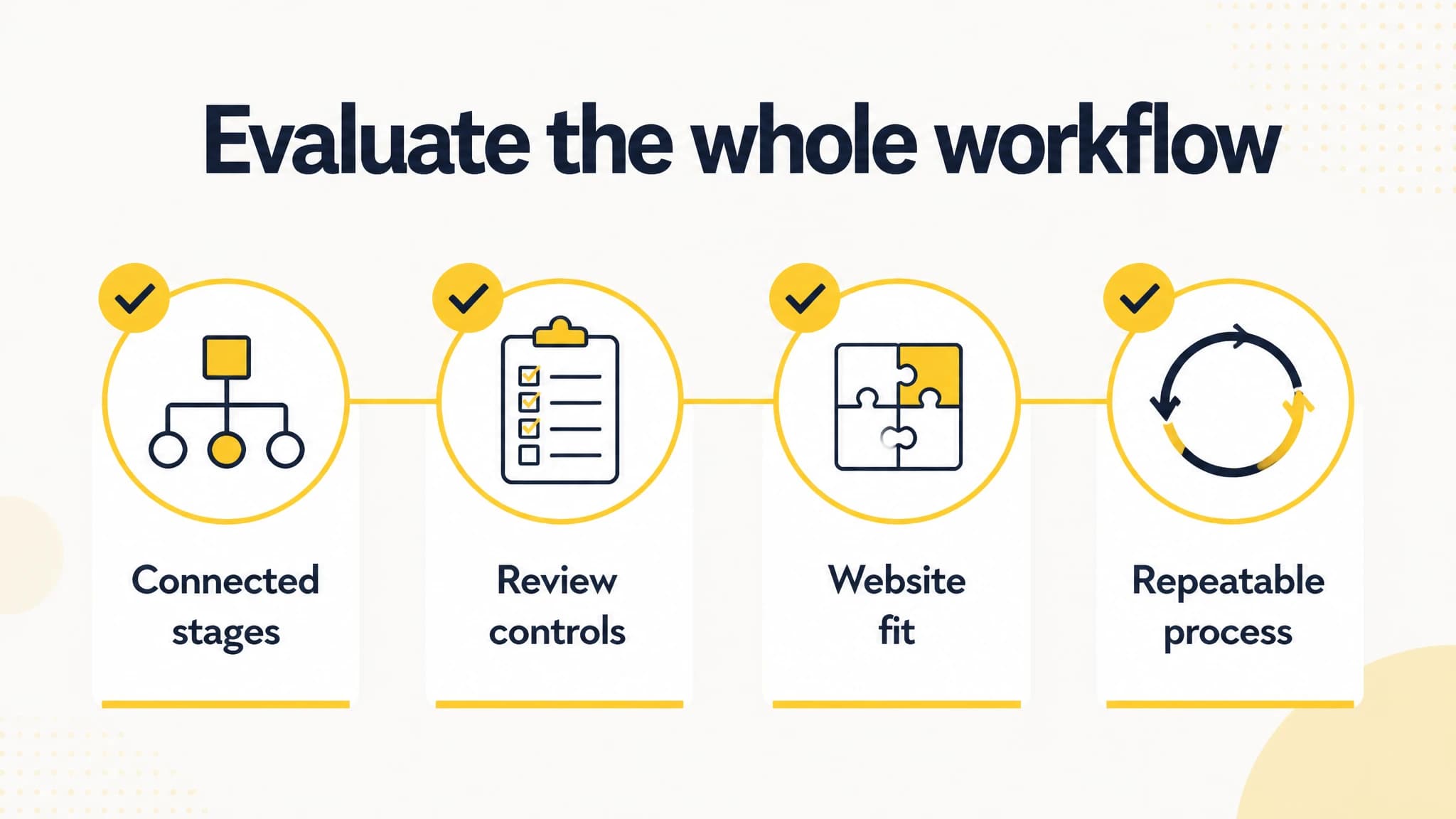
Compare complete workflows rather than isolated feature lists.
A practical implementation plan
Start small enough to inspect the process. Pick a focused group of topics, agree on an editorial checklist, and decide who approves each stage. Then run a few articles through the workflow before increasing volume.
- Set the standard: Define audience, tone, accuracy expectations, and what a complete article needs to include.
- Select a pilot topic: Choose a relevant opportunity that your team can confidently evaluate.
- Map the handoffs: Record what is automated, what requires a person, and what still happens outside the platform.
- Review the actual work: Measure the editing and coordination required, not just the time it takes to produce a draft.
- Adjust before scaling: Improve the brief, checkpoints, or publishing process where the pilot exposes problems.
If the process is hard to explain or quality varies from article to article, adding more automation may amplify the problem. Fix the workflow and review standards first.
Conclusion
The right SEO content automation platform connects useful keyword opportunities to an organized plan, a reviewable article, and a publishing workflow that fits your website. Look beyond draft generation: evaluate the handoffs, editorial controls, metadata and image support, and delivery options you will use in practice.
Automate repeatable production work, but keep people responsible for strategy, fact-checking, and final approval. That balance helps you build a more consistent content operation without confusing automation with editorial judgment.