

 Veselin Stoyanov9 min read
Best AI Plugin for WordPress: What to Evaluate Before You Choose
Compare WordPress AI content tools by quality, SEO planning, review, metadata, images, scheduling, and publishing before choosing one.

If you are looking for the best AI plugin for WordPress, compare more than writing speed. The right tool should help you create content that fits your audience, supports a clear SEO plan, and moves through review and publishing without adding more work than it saves.
Some tools focus on generating text inside a WordPress workflow. Others help manage a wider process, from finding content opportunities to scheduling and publishing articles. Neither approach is automatically better. Your choice depends on whether you need a writing assistant, a repeatable content workflow, or both.
Use the criteria below to compare options before you commit. Start with content quality and human review, then check how well the tool handles keyword planning, metadata, images, scheduling, and publishing.
1. Assess the quality of the content, not just the draft
A fast draft is useful only if it gives you a solid starting point. Check whether the tool can follow a specific audience, search intent, tone, and brief. Then review a sample for clarity, useful details, repetition, and claims that need verification.
Try a realistic assignment rather than a broad prompt. For example, ask the tool to draft an article for a specific reader with a clear problem and a defined search intent. Compare its result with your editorial standards. Does it answer the question directly? Does it explain trade-offs? Could a subject-matter reviewer improve it without rewriting the whole piece?
Do not assume that polished prose is accurate or original. Plan to verify factual claims, examples, product details, and advice before publishing. A tool should make drafting more efficient, not remove editorial responsibility.
2. Look for SEO planning before article generation
A WordPress AI content tool may help produce a draft but leave the research and planning to you. Before choosing one, find out whether it supports the steps that happen before writing:
- Identifying relevant keyword opportunities
- Matching a topic to a likely search intent
- Grouping related topics into a useful content plan
- Avoiding duplicate or overlapping article ideas
- Connecting each article to a defined audience need
These steps help you decide what to publish and why. If you already have a strong keyword process, a focused writing assistant may be enough. If you want help moving from research to a planned article, prioritize a tool that supports more of that workflow. For a wider comparison, see our guide to AI SEO tools.
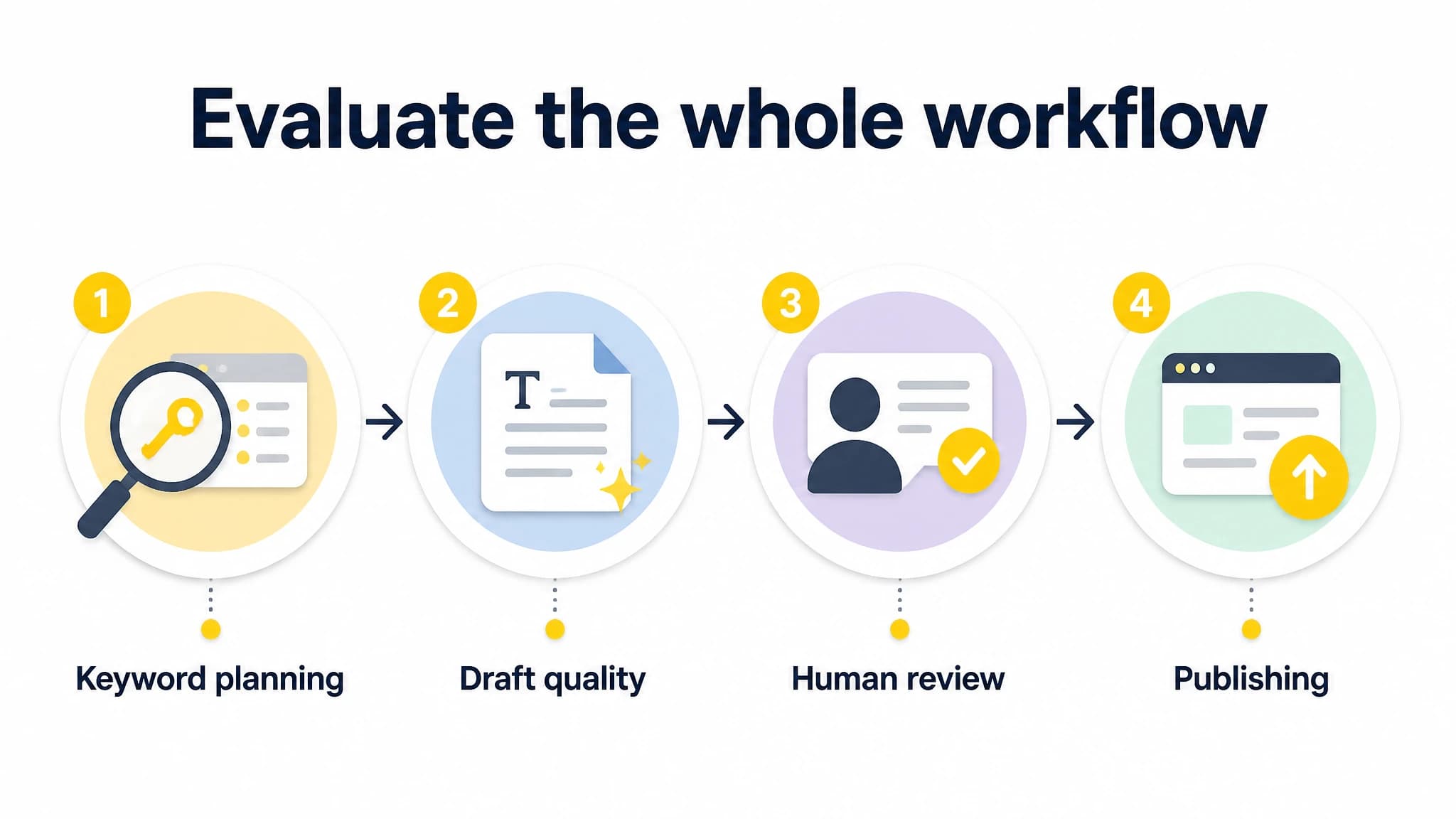
Consider planning, drafting, review, and publishing together.
3. Keep human review in the workflow
Automation should make review easier to manage, not make review disappear. Check whether the tool gives your team a practical way to inspect and revise a draft before it goes live. You should be able to check the structure, facts, voice, keyword focus, and links as part of a predictable process.
A simple review checklist can include:
- Does the opening answer the reader’s main question?
- Are the claims supported and the examples relevant?
- Does the article address the intended search intent?
- Are headings clear and logically ordered?
- Are metadata and images accurate and appropriate?
- Is the piece ready to publish, or does it need an expert review?
If a tool’s workflow makes it difficult to pause, edit, or approve content, account for that when comparing it with other options. The goal is not to eliminate judgment. It is to reserve human attention for accuracy, originality, and decisions that matter.
4. Check metadata and image support
Article text is only part of preparing a page. Find out whether the tool helps with SEO metadata and article images, and how much editing those outputs require.
For metadata, review whether titles and descriptions accurately represent the article and give readers a clear reason to visit. Avoid titles that promise more than the article delivers. For images, check that the visuals fit the topic, add value, and do not imply facts or details that the content cannot support.
Treat both as editorial elements, not automatic boxes to tick. A tool can help prepare them, but you still need to approve the final wording and image choice. If you want to compare broader workflows, our guide to AI SEO software covers research, planning, creation, review, metadata, and publishing considerations.
5. Compare scheduling and publishing carefully
Publishing support can reduce handoffs, but understand exactly which steps the tool covers. Ask whether it helps you plan a publishing schedule, prepare content for review, schedule approved articles, or publish automatically. Do not treat those as interchangeable capabilities.
Before choosing, map your current process from finished draft to live post. Note who approves an article, who prepares it in WordPress, and how timing is managed. Then compare that list with the tool’s documented workflow. If a capability is unclear, confirm it before relying on it.
A tool that generates content but leaves every later step to you may still be useful. It simply solves a narrower problem. A broader platform may be a better fit if your main bottleneck is coordinating research, planning, writing, and publishing together. Our WordPress SEO resources can help you explore related workflow considerations.
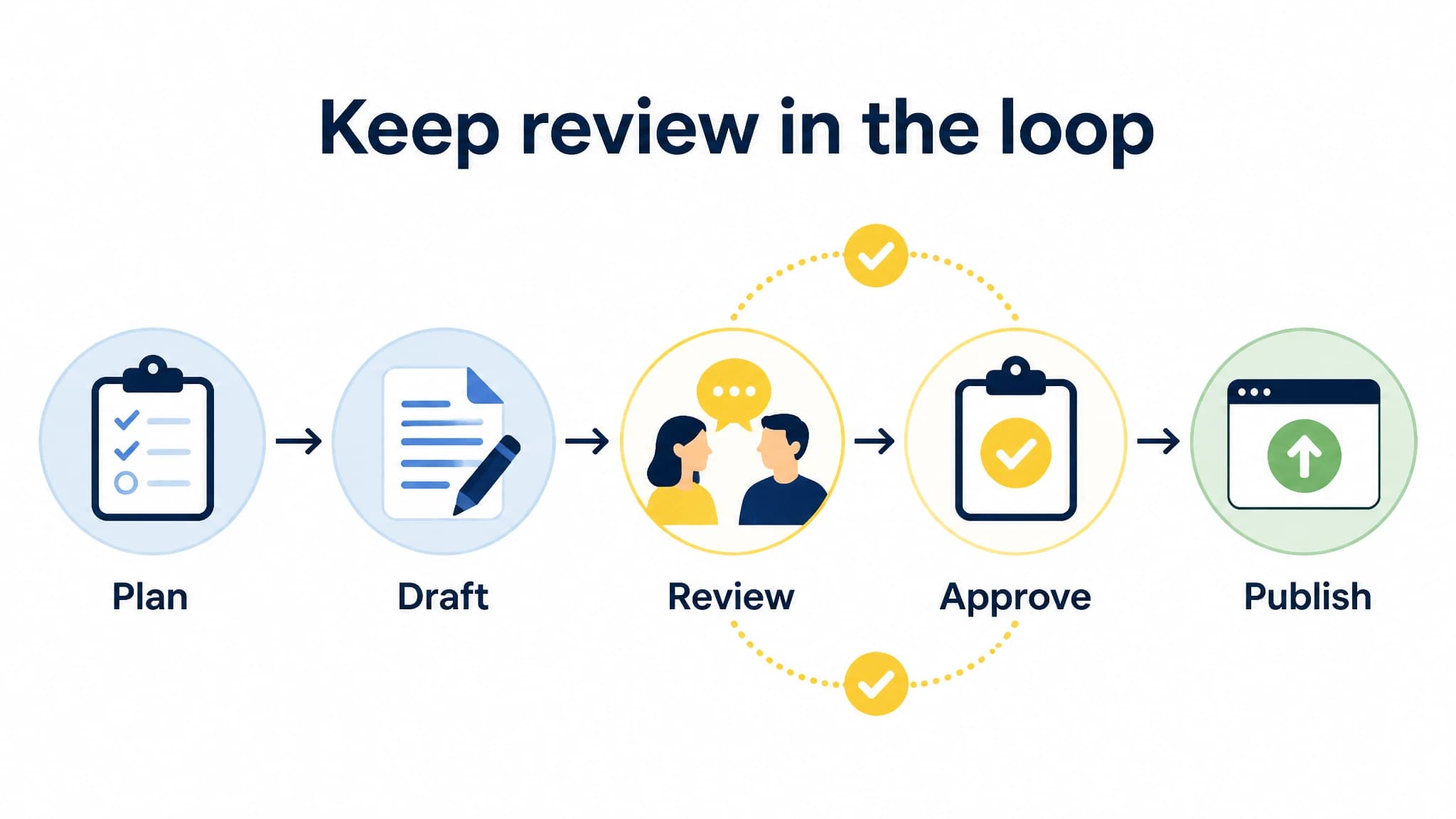
Use clear review and approval checkpoints before publication.
6. Decide whether you need a plugin or a broader platform
The word “plugin” can make it sound as if every solution should work the same way inside WordPress. In practice, evaluate the job you need done rather than the label.
A focused WordPress writing tool may suit you if you mainly want help drafting or editing content in your existing publishing routine. A broader SEO content platform may suit you if you also need keyword research, content opportunities, topic clustering, planning, metadata, scheduling, and automated publishing.
The trade-off is scope. A narrower tool can be easier to fit into a process you already trust, but it may leave research and coordination to you. A broader workflow can connect more steps, but you should still check whether its planning and review process matches the way your team works.
With RankWorker, we support keyword planning and research, content opportunities, clustering, content planning, article generation, images, SEO metadata, scheduling, and automated publishing. Our WordPress integration is relevant if you want WordPress publishing within a wider SEO content workflow. That makes us a practical option to evaluate when your need extends beyond generating text.
A practical comparison scorecard
Use this simple scorecard to compare the tools on your shortlist. Rate each item from 1 to 5 based on a real test or confirmed product information, not a marketing headline.
| What to evaluate | Questions to ask |
|---|---|
| Content quality | Does the output follow your brief and give you a useful draft? |
| SEO planning | Does it help with keyword research, intent, and topic planning? |
| Editorial control | Can you review and revise before content is published? |
| Metadata and images | Can you prepare these, and can you edit the results? |
| Scheduling and publishing | Which steps are supported, and which remain manual? |
| Workflow fit | Does it reduce the handoffs that currently slow you down? |
Do not let a high total score hide a critical gap. If human review is essential to your process, a tool that cannot accommodate it may not be a good fit even if it performs well in other categories. Likewise, strong writing assistance may not solve a publishing bottleneck.
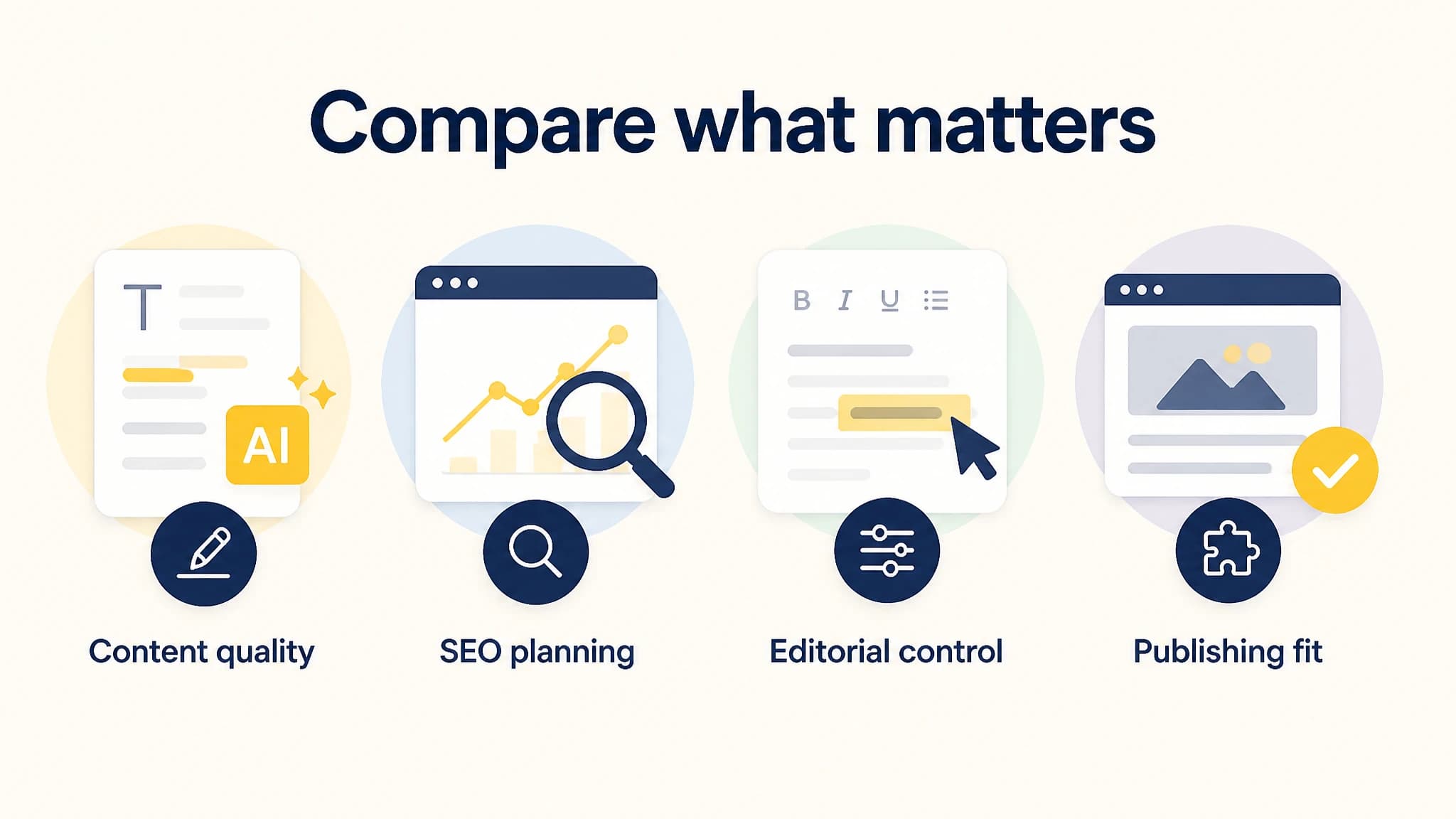
Compare tools against the needs of your actual workflow.
How to choose the right fit
Before deciding, write down the biggest constraint in your current process. Is it finding relevant topics, creating useful drafts, maintaining editorial oversight, preparing metadata and images, or publishing consistently? Then test each shortlisted tool against that specific constraint.
A useful trial should include one realistic article brief and the steps you expect to complete around it. Track where the tool saves work, where you still need manual effort, and whether reviewers can make the necessary changes. The best fit is the one that improves the workflow you actually have, not the one with the longest feature list.
If your need is primarily drafting inside an established WordPress process, start with tools built for that narrower job. If you want to connect keyword research, planning, creation, review, and publishing, compare broader SEO content workflows. With RankWorker, we focus on helping businesses keep that wider process moving, while the quality checks and editorial decisions remain part of your work.