

 Veselin Stoyanov10 min read
How to Check Competitors' SEO: A 7-Step Audit You Can Run in an Afternoon
Learn how to check competitors' SEO with a practical 7-step audit. Compare pages, keywords, content, technical basics, backlinks, and SERP features.

To check competitors' SEO, compare the sites that appear for your important searches, investigate their strongest organic pages and keywords, and look for useful gaps in your own coverage. You can complete a focused first audit in an afternoon without trying to copy every competitor or treat third-party traffic estimates as exact data.
Use these seven steps to move from search results to a practical list of content opportunities. Keep a spreadsheet or document open as you go, and record evidence and next steps rather than collecting metrics for their own sake.
1. Identify your true organic competitors
Your organic competitors are the sites competing with your pages in search results, not necessarily the businesses you compete with in sales. A direct business rival may rarely appear for the searches your customers use. A publisher, directory, marketplace, or specialist website may be a more useful SEO comparison.
Start with five to ten searches that describe your products, services, problems you solve, or the questions your audience asks. Search them in a private browser window if practical, and note which domains repeatedly appear. Look for overlap across several searches instead of treating one result as proof that a site is a competitor.
For each potential competitor, record:
- The domain and its apparent audience
- The searches where it appears
- Whether its ranking pages serve the same intent as your planned pages
- Whether it is a direct business rival, an informational publisher, or another kind of site
Choose three to five sites for a manageable first audit. Exclude results that are irrelevant to your audience, even if they rank highly. If you want a deeper explanation of estimating competitor visits and selecting pages to investigate, see our guide to analyzing competitor organic traffic.
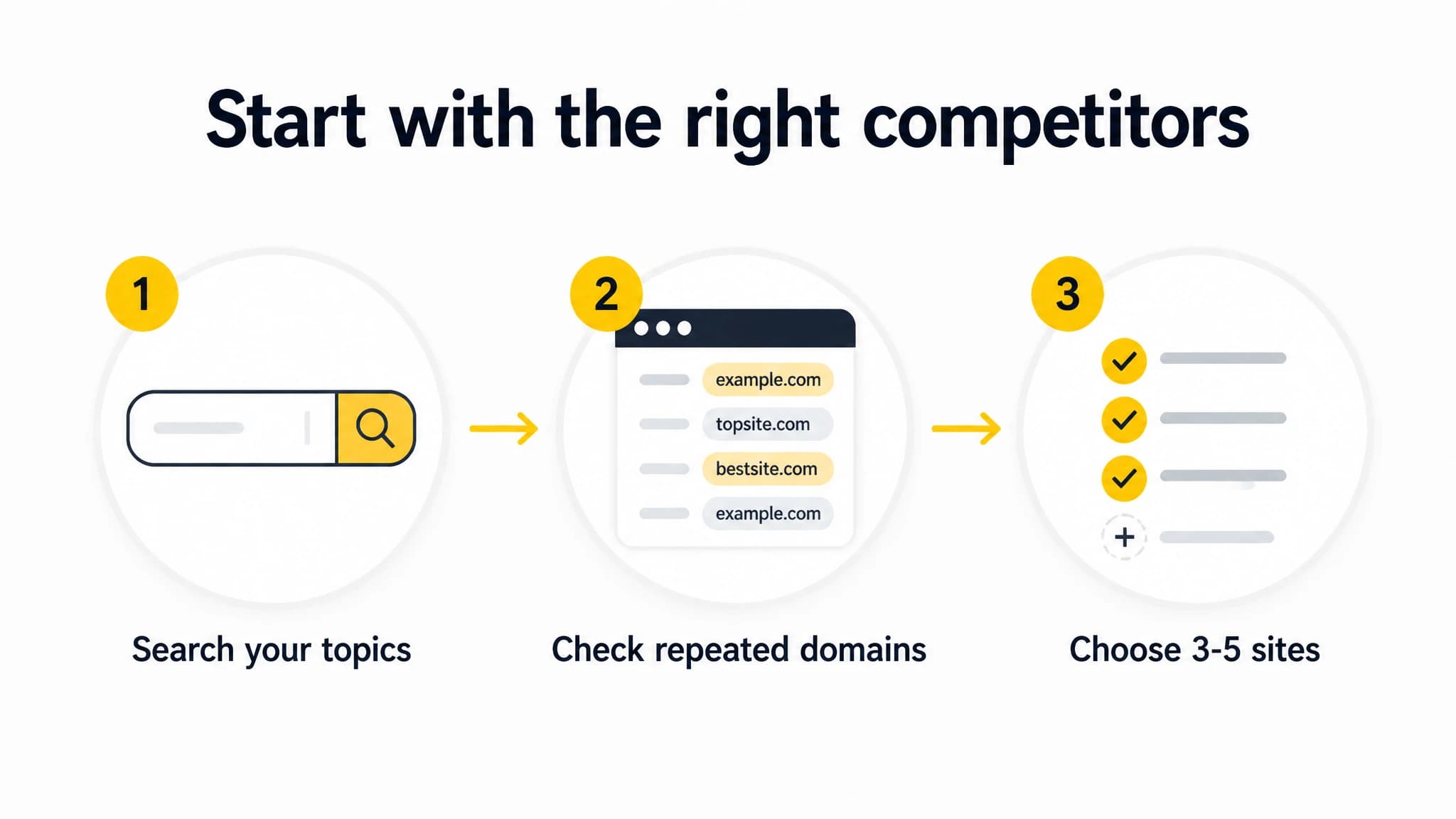
Begin with relevant searches, then focus on a small set of recurring domains.
2. Compare their top traffic pages
The pages drawing organic visibility can tell you what topics a competitor has invested in and what kinds of pages searchers may find useful. Use an SEO research tool to identify a sample of their visible pages. Treat estimated traffic and rankings as clues, not as verified analytics: you cannot see a competitor's private site data through a third-party estimate.
For each site, review around five to ten pages that look relevant to your business. Capture the page URL, topic, apparent intent, page type, and any notable subtopics. Check the pages themselves before deciding they are useful. A high estimate for an irrelevant topic is not a content opportunity for you.
Ask:
- Does the page target a question, comparison, product need, or other clear intent?
- Is it a guide, product page, category page, tool, or another format?
- Does the page connect to a broader topic or related pages on the site?
- Could your business answer the same need more accurately or usefully?
Prioritize relevance and your ability to create a strong page over a competitor's estimated traffic number.
3. Review the keywords they rank for
Next, inspect the search terms associated with those pages. Group close variations by the need they express, rather than making a separate content idea from every phrasing. A page may rank for many similar queries, while a single keyword can appear valuable but be unrelated to your offer.
For each promising term, note:
- The likely search intent
- The page currently ranking for it
- Whether the term fits your audience and business
- How well your own site already answers the need
- What you would need to create or improve to compete
Use the results page to validate the intent. If the leading results are product pages, an informational article may not match what searchers expect. If the results are detailed how-to guides, a short sales page may be a poor fit.
This step is about generating candidates, not copying a competitor's keyword list. Keep a candidate only when it is relevant, has a clear audience need, and gives you a credible path to produce a useful page.
4. Assess content depth and format
Open the pages that survived your relevance check. Evaluate how they answer the searcher's need, not just how long they are. Content depth means covering the important parts of the problem clearly. It does not mean adding words or sections that do not help the reader.
Use a consistent checklist:
- Coverage: Does the page answer the main question and the natural follow-up questions?
- Specificity: Does it include concrete steps, examples, decision criteria, or useful details?
- Format: Does its structure match the task, such as a checklist, comparison, tutorial, or product page?
- Clarity: Can a reader find the answer quickly and understand what to do next?
- Freshness and accuracy: Are claims, examples, and recommendations still appropriate?
- Next step: Does the page help the reader continue without pushing an unrelated action?
Then compare those observations with your own relevant pages. Mark a genuine gap only when your page is missing useful coverage or does not serve the same intent well. A longer competitor page is not automatically better, and copying its headings will not make your page distinctive.
When manual research turns into a growing list of pages, keywords, and possible briefs, our competitor research workflow can help surface competitor pages and keywords and turn relevant findings into content opportunities. You still need to validate the fit and decide what deserves your attention.
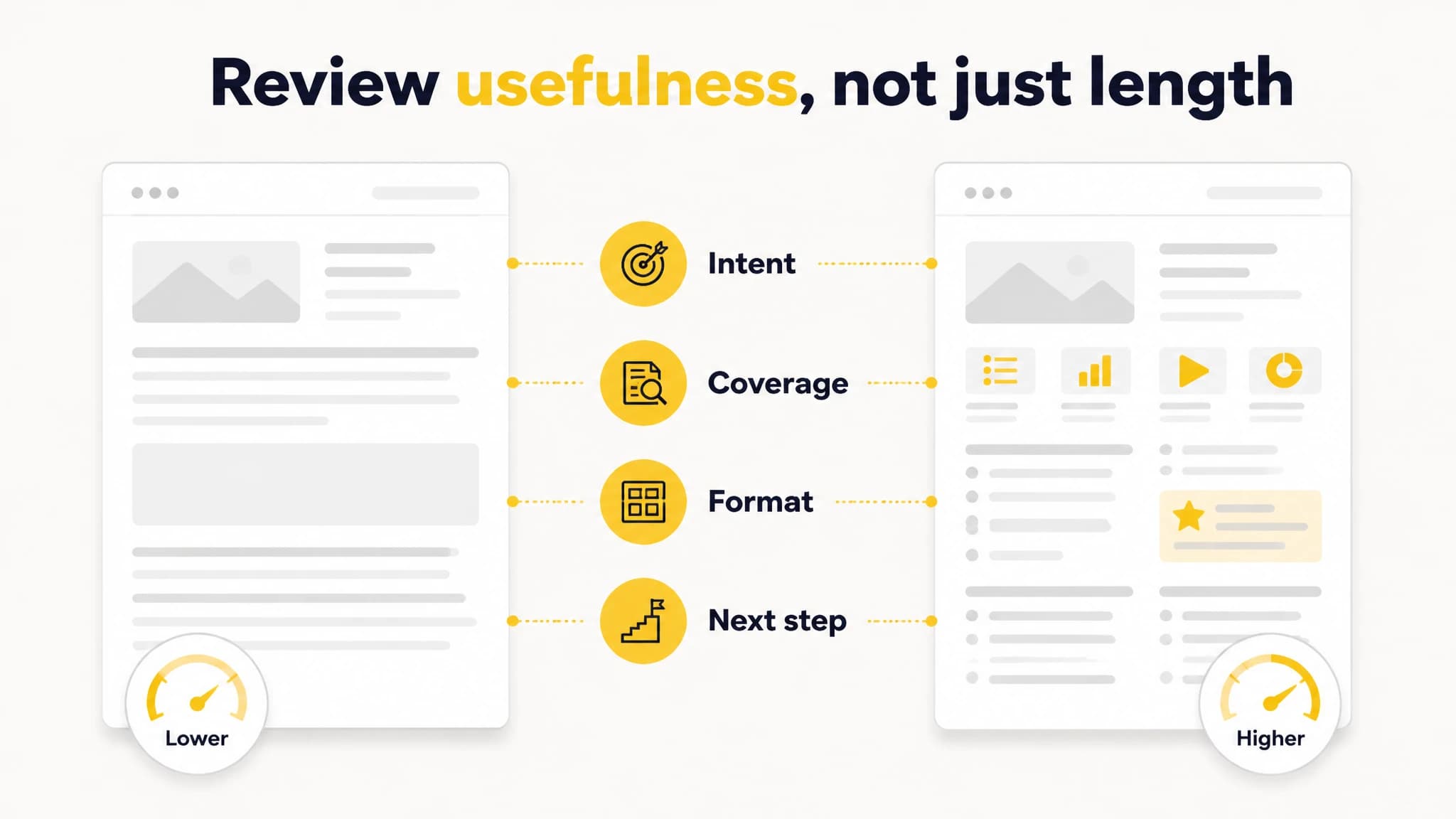
Compare intent, coverage, format, and the reader's next step.
5. Check technical basics
A quick competitor audit is not a full technical SEO crawl. Focus on visible basics that affect whether you can use the page and understand its purpose. Do not assume a page ranks because of one technical detail; rankings can reflect many factors that you cannot inspect from a quick review.
Check a few representative pages on desktop and mobile. Note whether the page loads and displays reliably, whether the main content is easy to find, and whether the title and page heading make the topic clear. Look for obvious navigation problems, broken page elements, or intrusive layouts that interfere with reading.
Then check your own corresponding page for issues you can act on. The goal is not to diagnose a competitor from the outside. It is to spot basic problems on your site and understand how clearly each page serves the visitor.
6. Look at backlinks at a high level
Backlink tools can show referring domains and links that may help you understand how a competitor's pages attract attention. These reports are incomplete estimates. A large backlink count alone does not tell you whether the links are relevant, editorially earned, or useful to your own strategy.
Review a small sample of links pointing to a few relevant competitor pages. Look for patterns such as original research, a useful resource, a partnership, a local mention, or a page that people cite. Record the apparent reason the page attracted a link, not just the number displayed by a tool.
Use those observations to ask what you could create or contribute that would genuinely help the same audience. Do not copy a competitor's link list or pursue irrelevant links just because a tool reports them.
7. Note the SERP features they win
A search results page can show more than standard blue links. Depending on the query, you may see features such as featured snippets, image results, video results, local listings, or other rich result formats. Record what actually appears for your target searches, because the layout can vary by query and over time.
For each important search, note which domains appear in the prominent results and what format those results use. Does the page answer a question directly? Does it include images or a video? Is a local result more prominent than ordinary web pages? These observations can help you choose a suitable page format and identify what information a reader may expect.
Do not assume a competitor can keep a feature or that matching its format guarantees one for your page. Use the result layout as context for intent, then make your content genuinely useful.
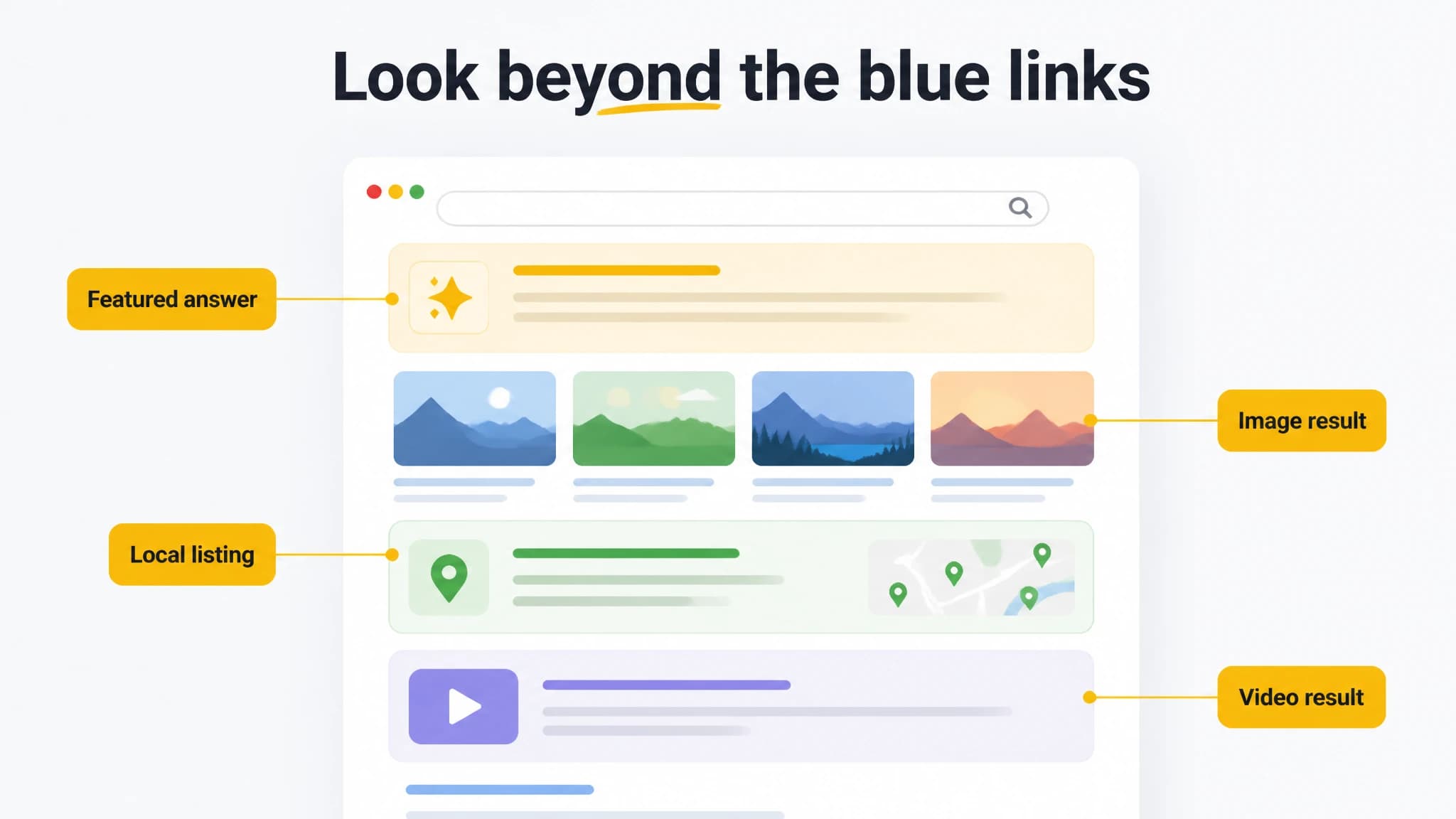
Record which result formats appear for each target search.
Copyable competitor SEO scorecard
Use one row per competitor and add one row per target page if you need more detail. Score each area from 1 to 3: 1 = weak or unclear, 2 = adequate, 3 = strong. The scores are a prioritization aid, not an objective ranking metric.
| Competitor or page | Relevant to my audience? | Strong pages and topics | Keyword fit | Content usefulness and format | Technical basics | Backlink patterns | SERP features | Opportunity or next action |
|---|---|---|---|---|---|---|---|---|
| Site/page 1 | ||||||||
| Site/page 2 | ||||||||
| Site/page 3 |
After scoring, choose a small number of opportunities to investigate further. For each, write down the audience need, the page you could create or improve, the intent it should serve, and why your version would be useful. Verify the idea against your existing content before adding another page; sometimes improving an existing page is the better next step.
If you are comparing research platforms as part of this process, our guide to SEO competitor analysis tools explains how to evaluate them. The audit itself remains the important part: use any tool to find leads, then apply your own relevance and quality checks.